Facility · Step 6 of 13
Set your prices
Add the plans families can buy, and decide what the first visit costs.
About 10 minutes
A plan is something a family can buy: a pack of sessions, or a weekly membership. Families only see prices after they sign in. Your public page never shows them.
Add your plans
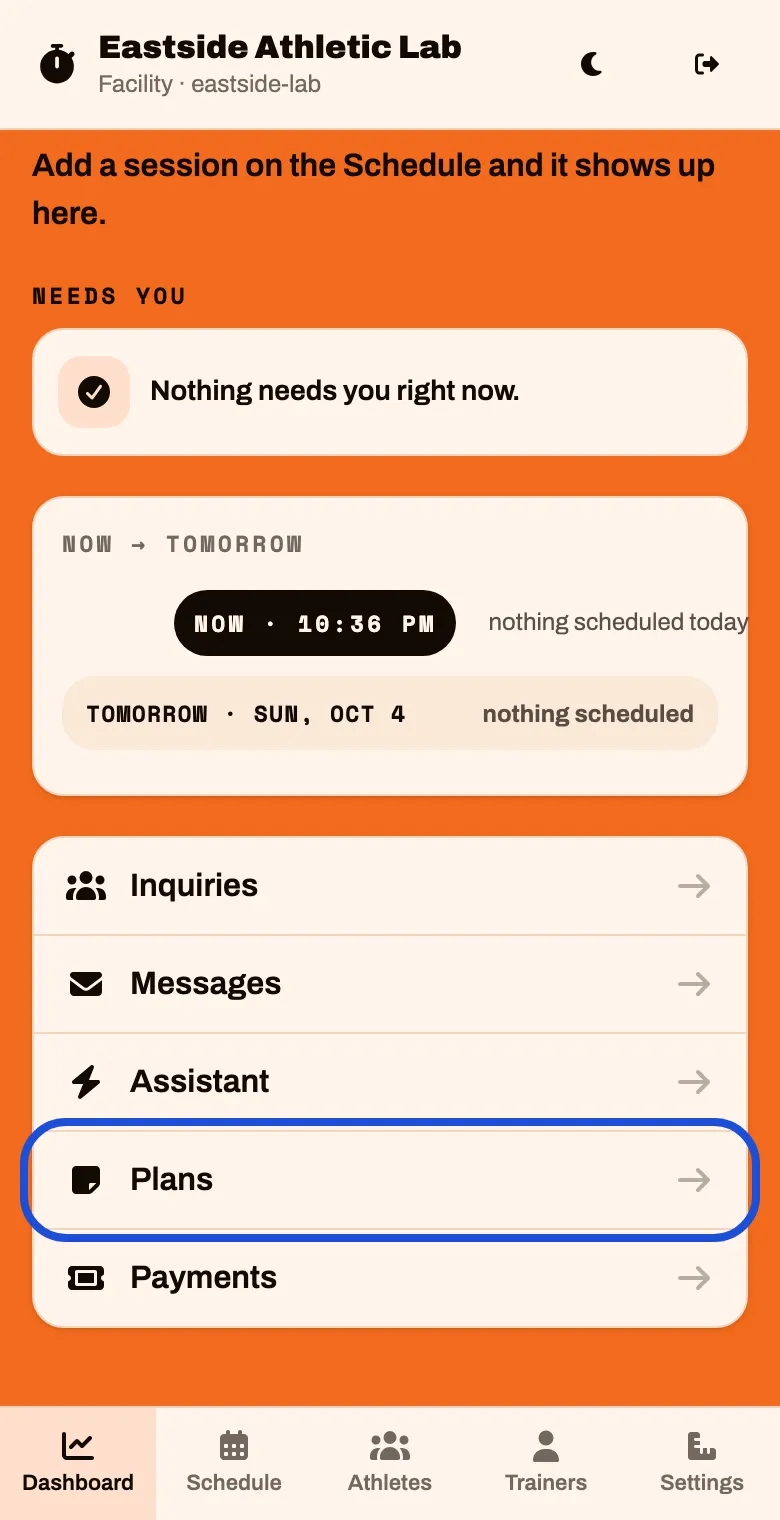
On the Dashboard, scroll to the bottom and tap Plans
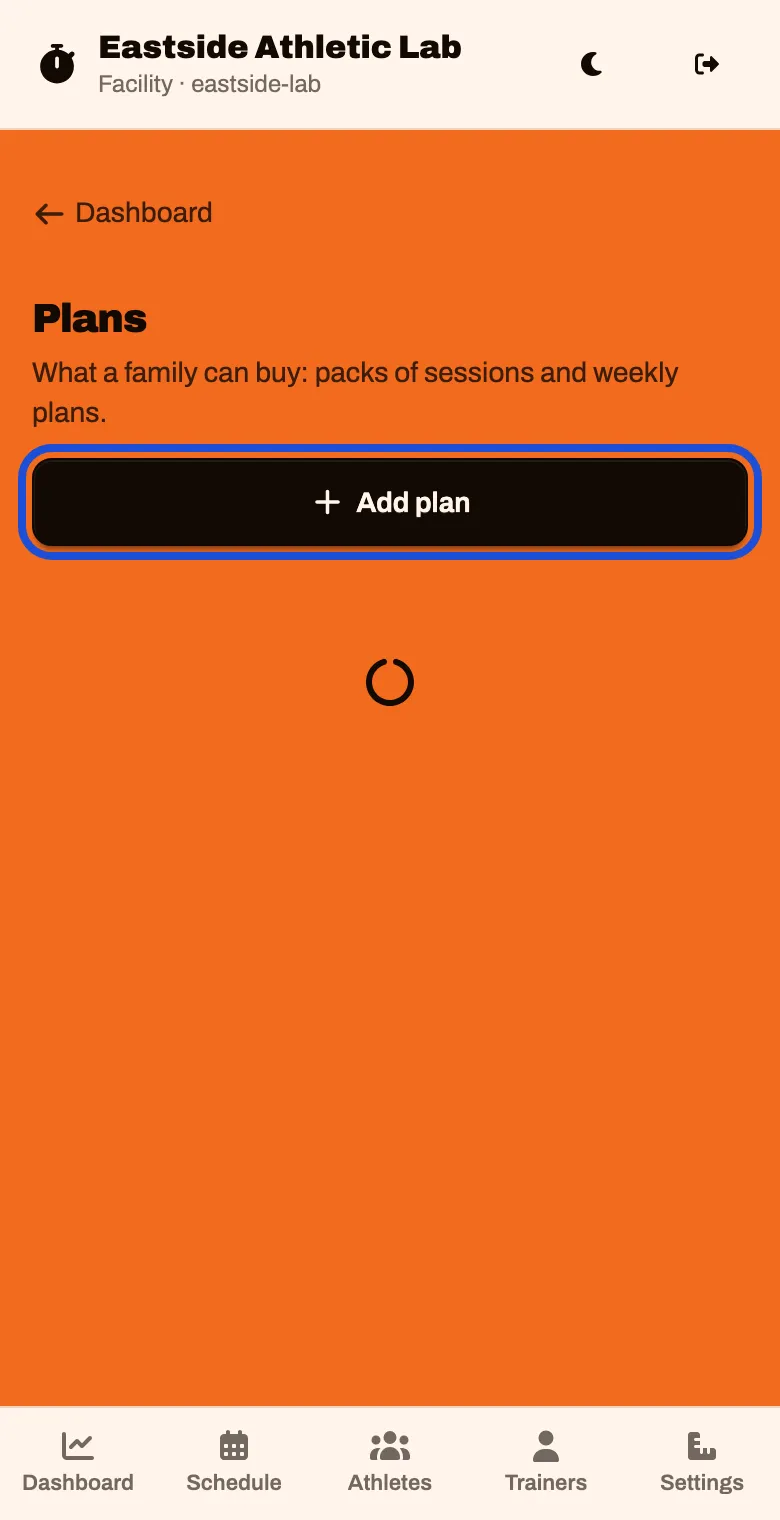
Tap Add plan
Type a Name that says what a family gets, like “10-Session Pack”. Then choose the Kind.
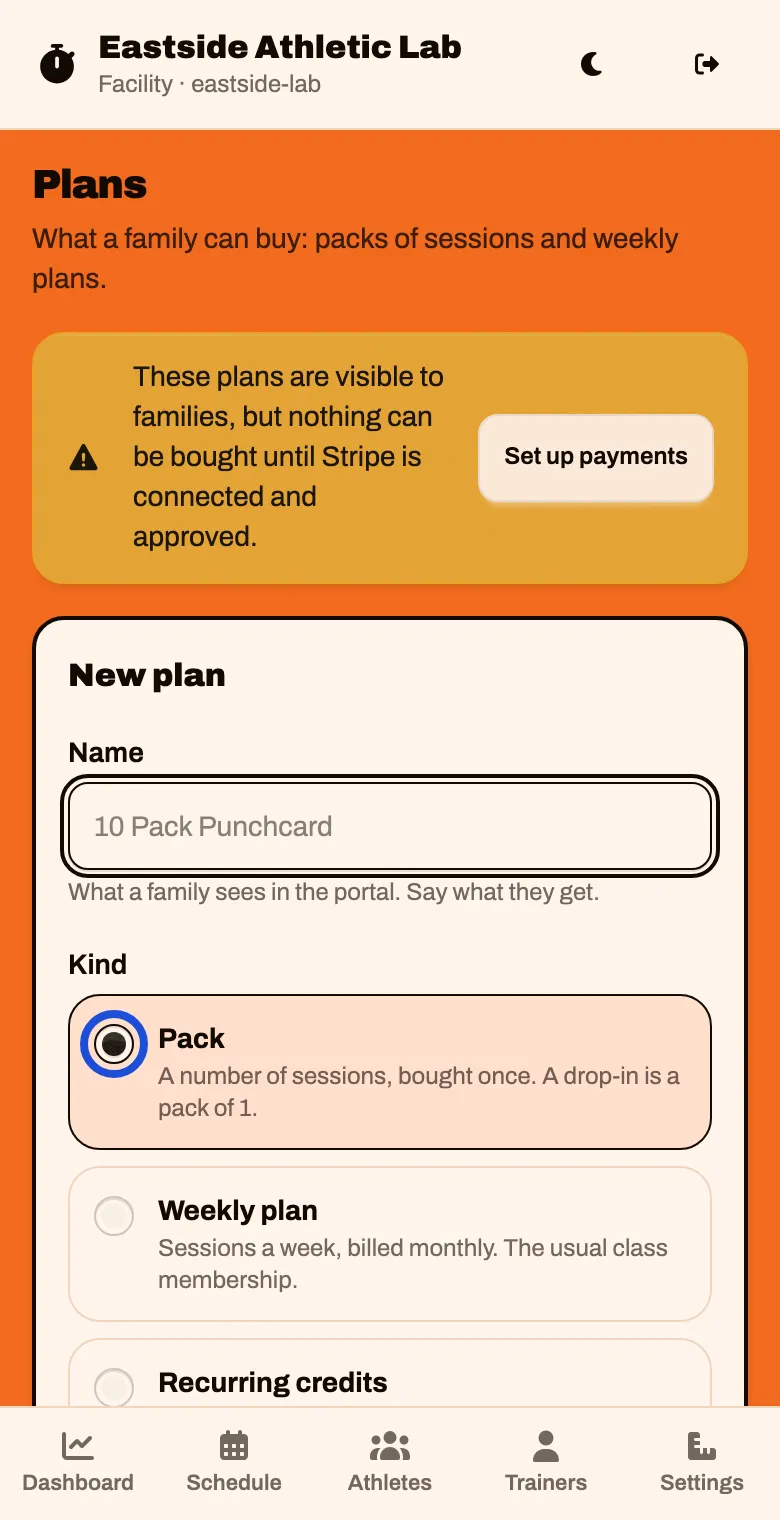
| Kind | What it is | Use it for |
|---|---|---|
| Pack | A number of sessions, bought once | Punch cards and drop-ins. A drop-in is a pack of 1 |
| Weekly plan | Sessions a week, billed monthly | The usual class membership. Unused sessions do not carry over |
| Recurring credits | Credits added every set number of days | A membership counted in credits instead of weeks |
You cannot change a plan’s kind after you add it.
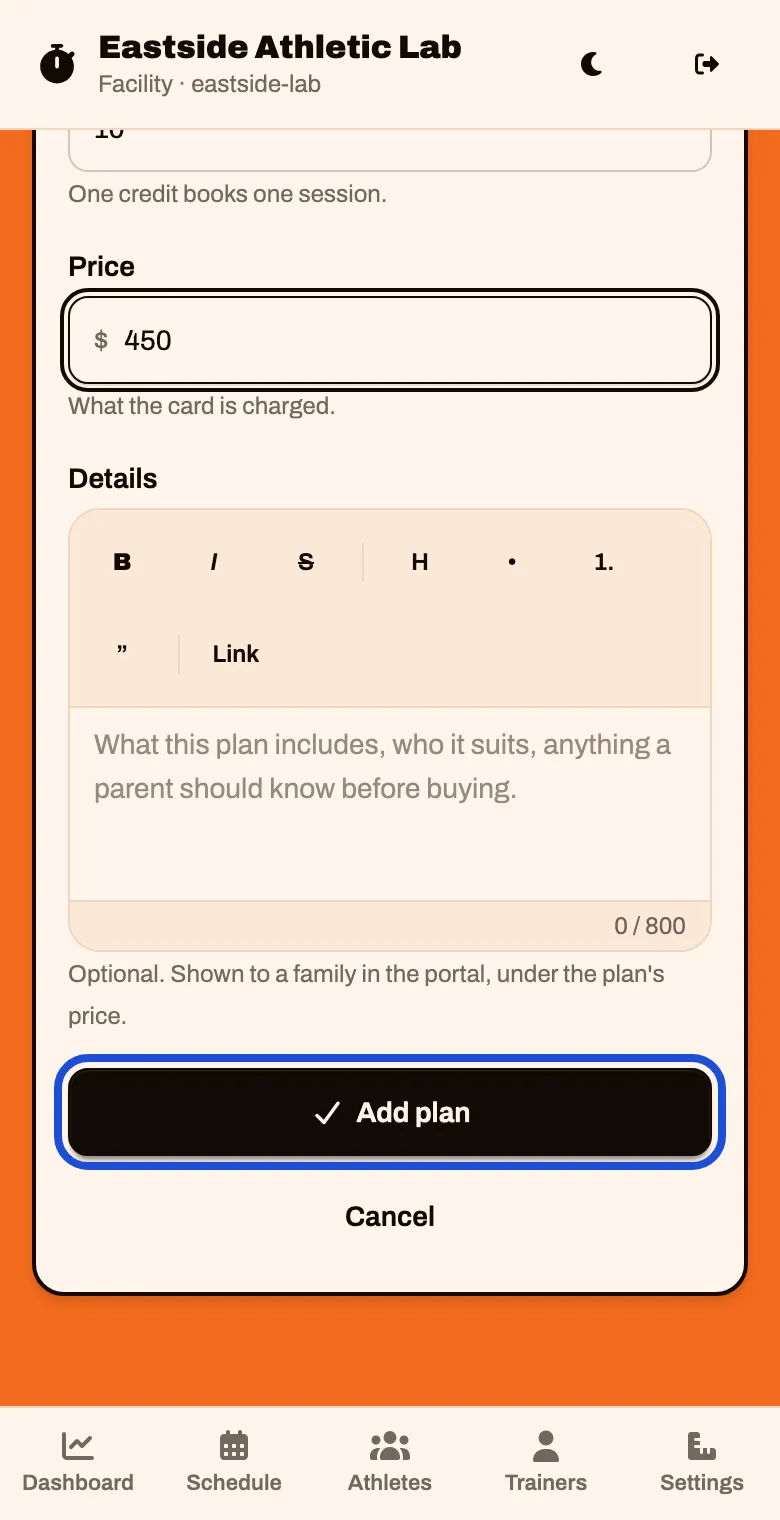
For a Pack: type how many Sessions it includes and the Price. Tap Add plan
Always type a price. A blank price saves as a free plan.
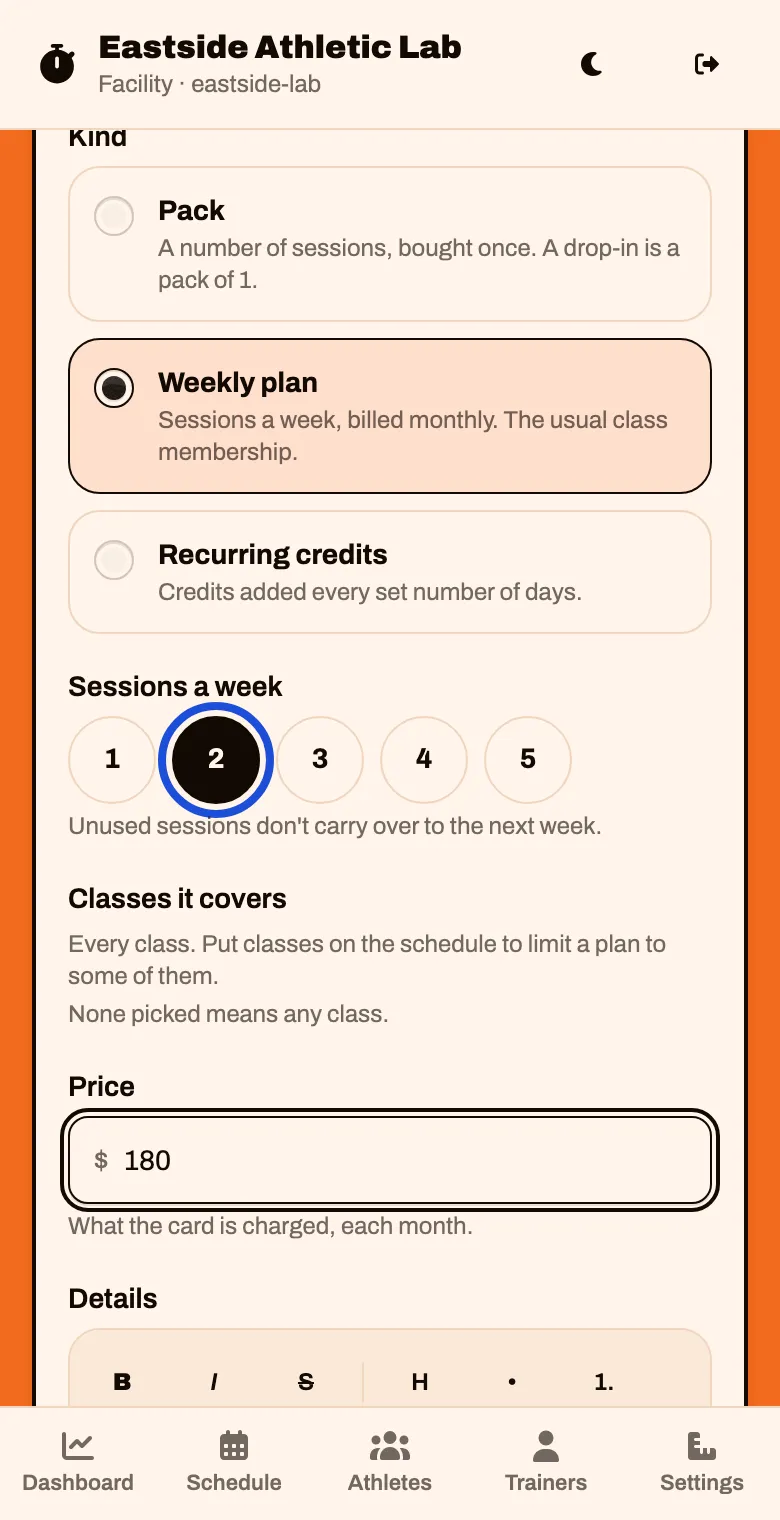
For a Weekly plan: tap the number of Sessions a week, type the monthly Price, and tap Add plan
Classes it covers lets you limit a plan to certain classes. It lists your classes once they are on the schedule (Put sessions on your schedule).
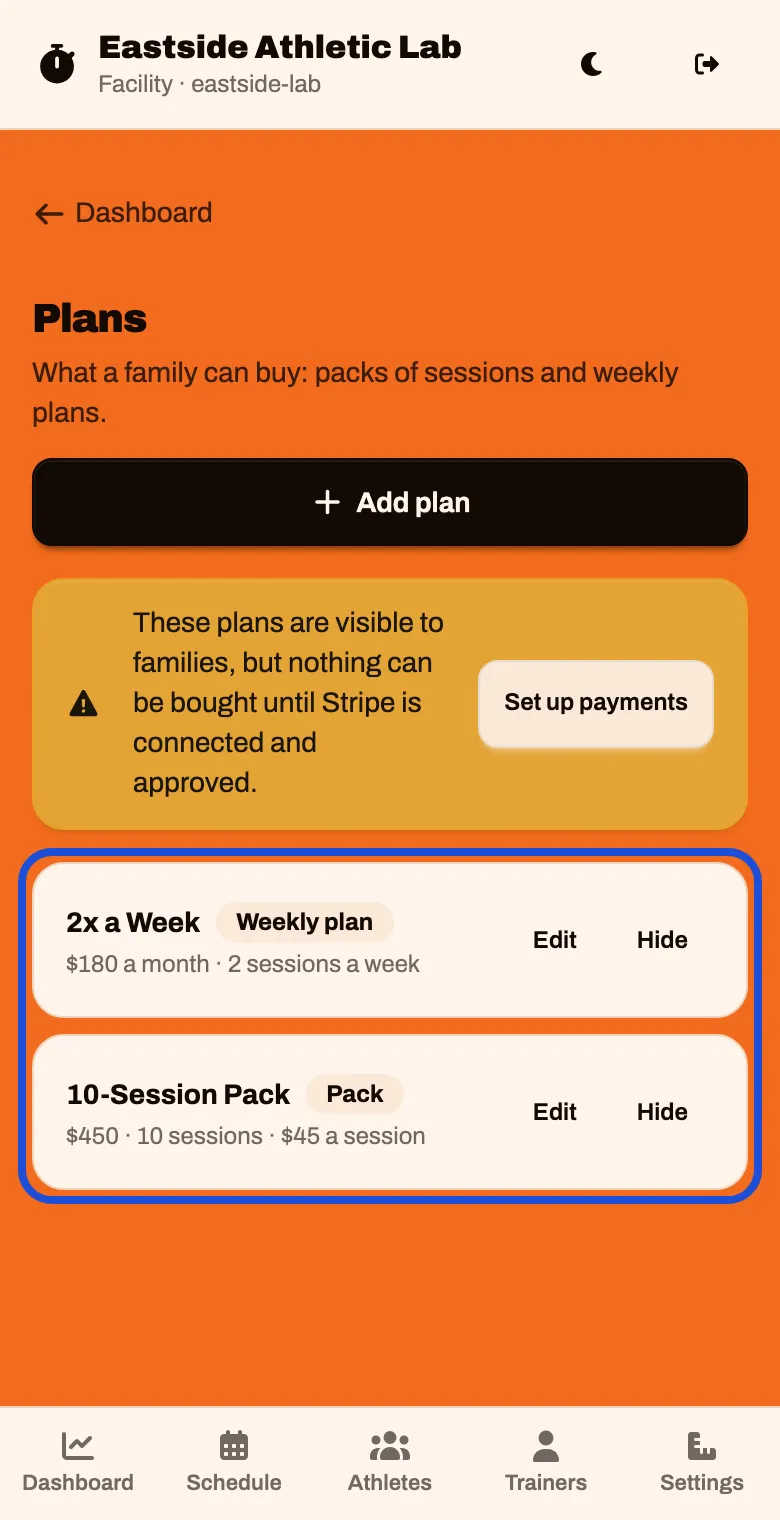
Add the rest of your price list the same way. Each plan has Edit and Hide
Decide what the first visit costs
Every new family books one assessment before anything else. It is free unless you say otherwise.
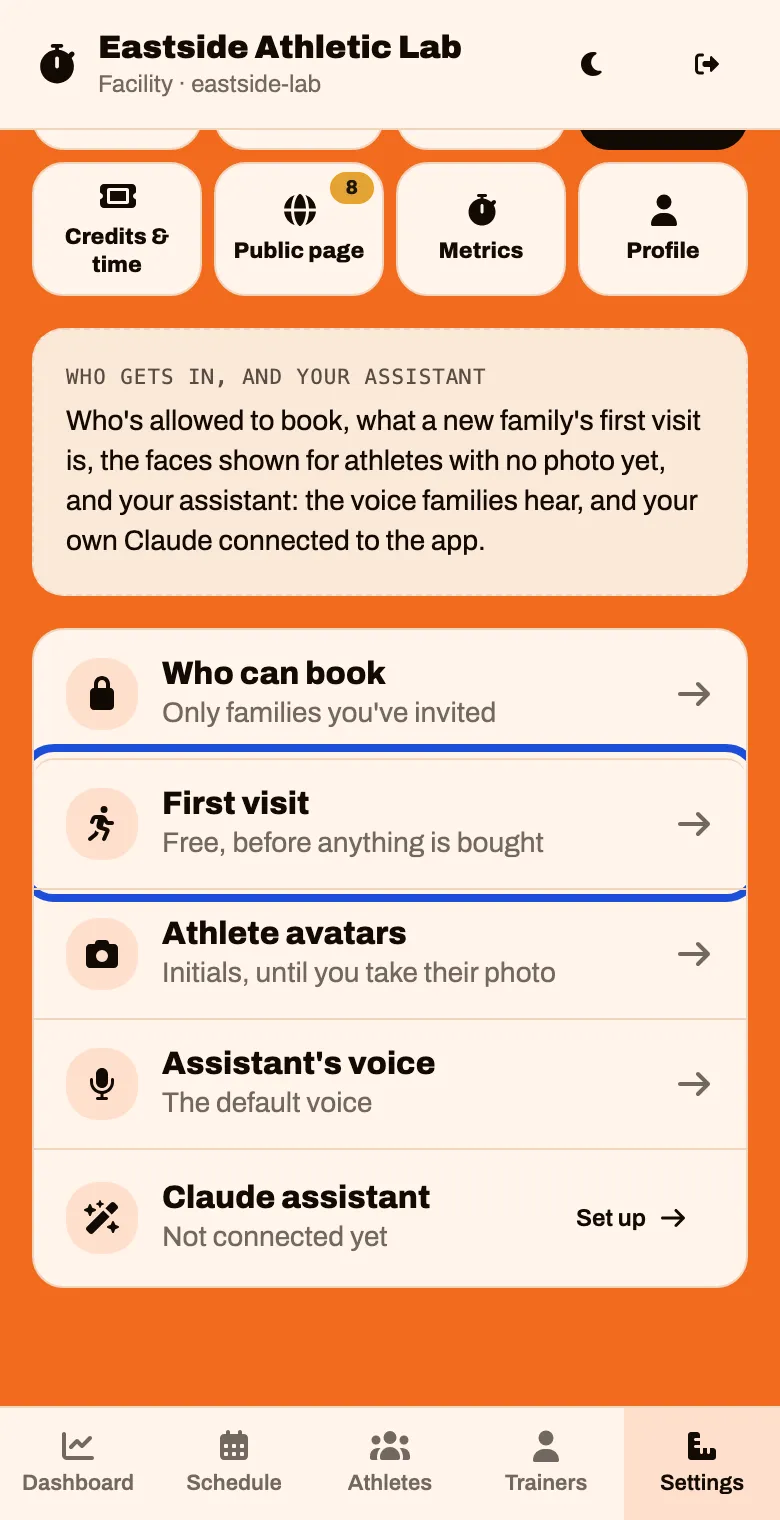
Tap Settings, then Access, then First visit
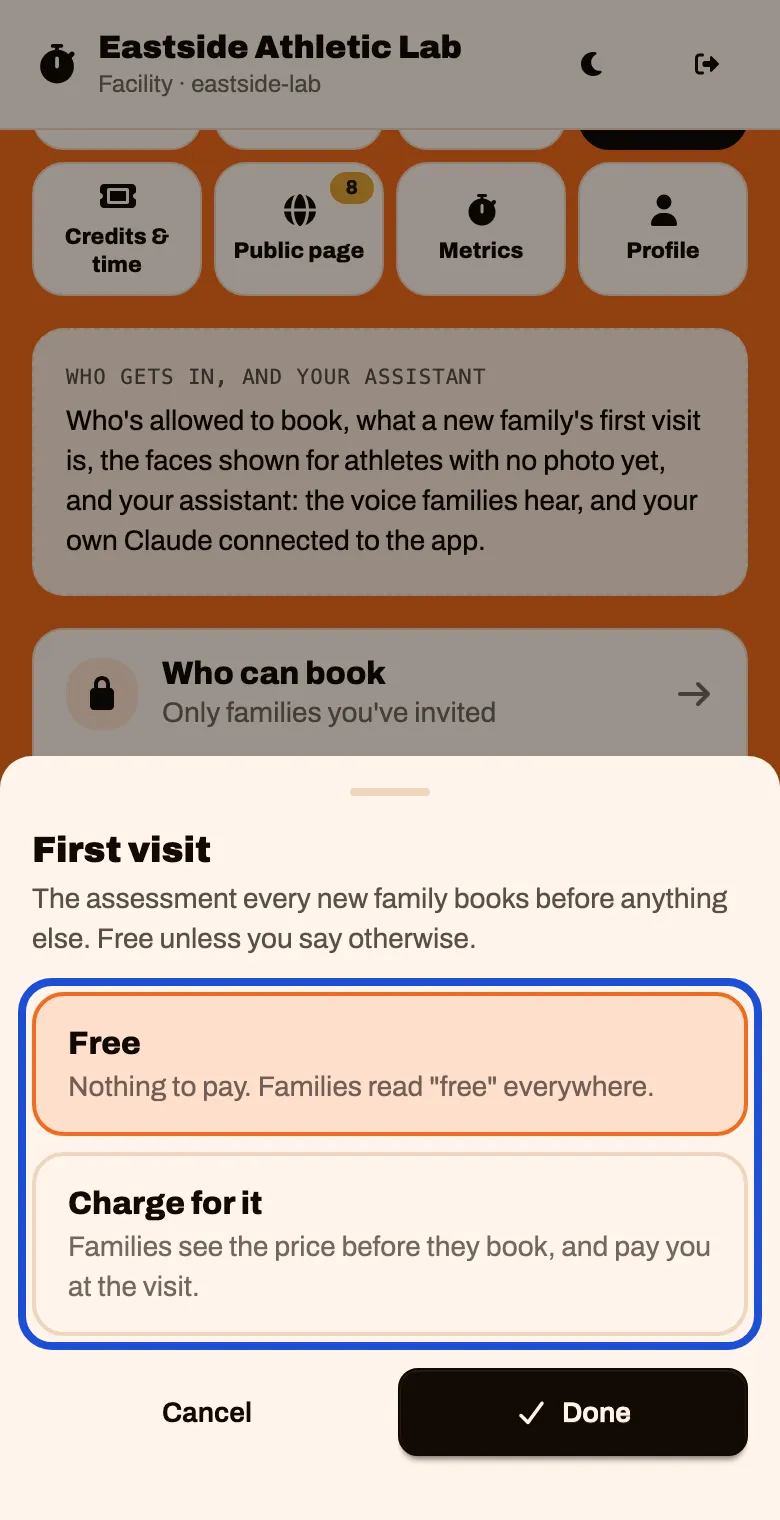
Choose Free or Charge for it, then tap Done
If you charge for it, you also choose:
- The price, per athlete.
- Take it off their first plan. When they buy their first plan, the first-visit price comes off it.
- Waive it for some families. Gives you a “Free first visit” switch when you invite a family.
With Stripe ready, families pay by card when they pick a time. Without it, they pay you at the visit.
Decide if credits expire
In Settings, tap Credits & time, then Credits expire. The choices are Never, After 90 days, After 180 days and After a year, counted from the day a pack is bought.