Facility · Step 1 of 13
Set up your sign-in
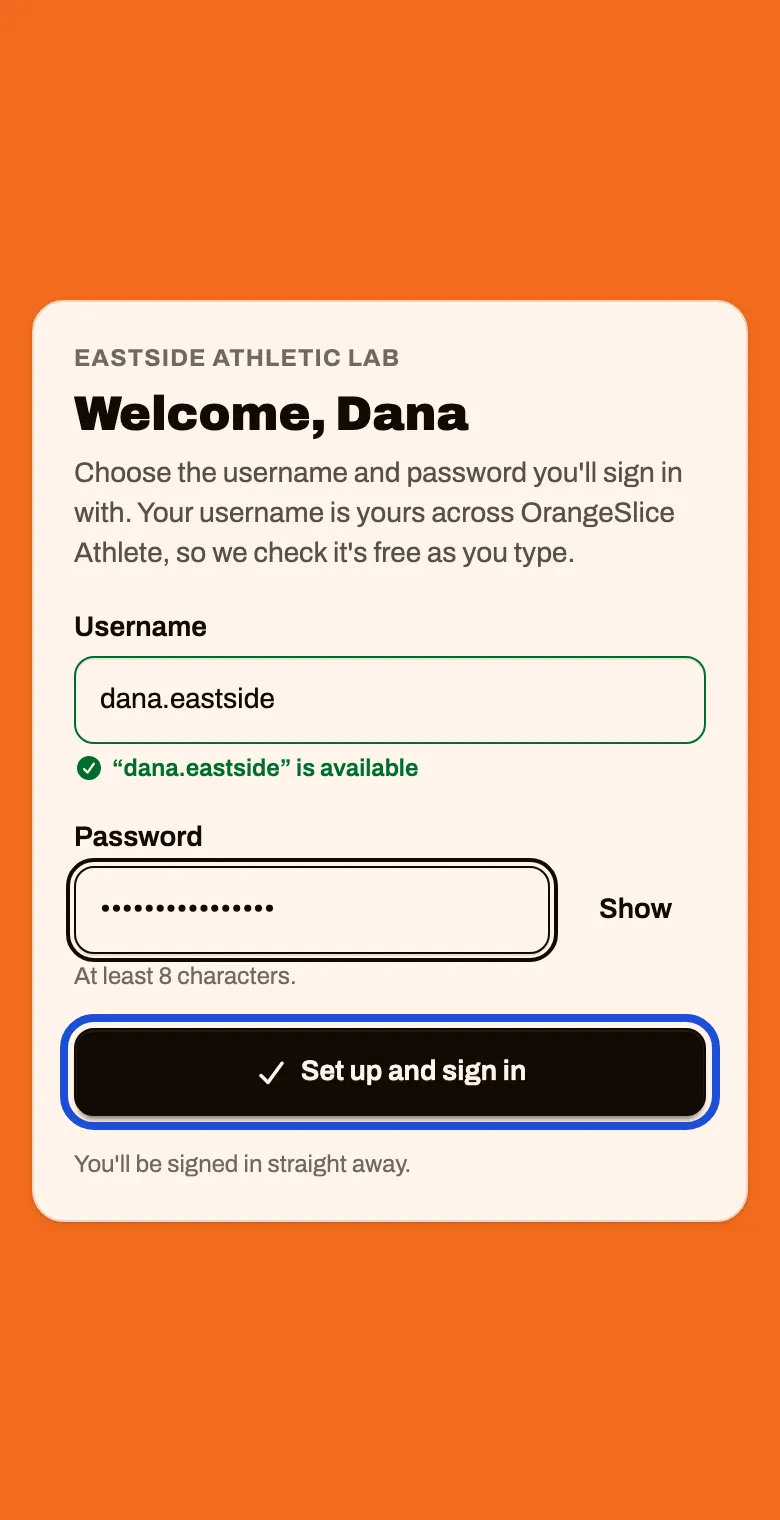
Open your welcome and choose the username and password you will sign in with.
About 2 minutes
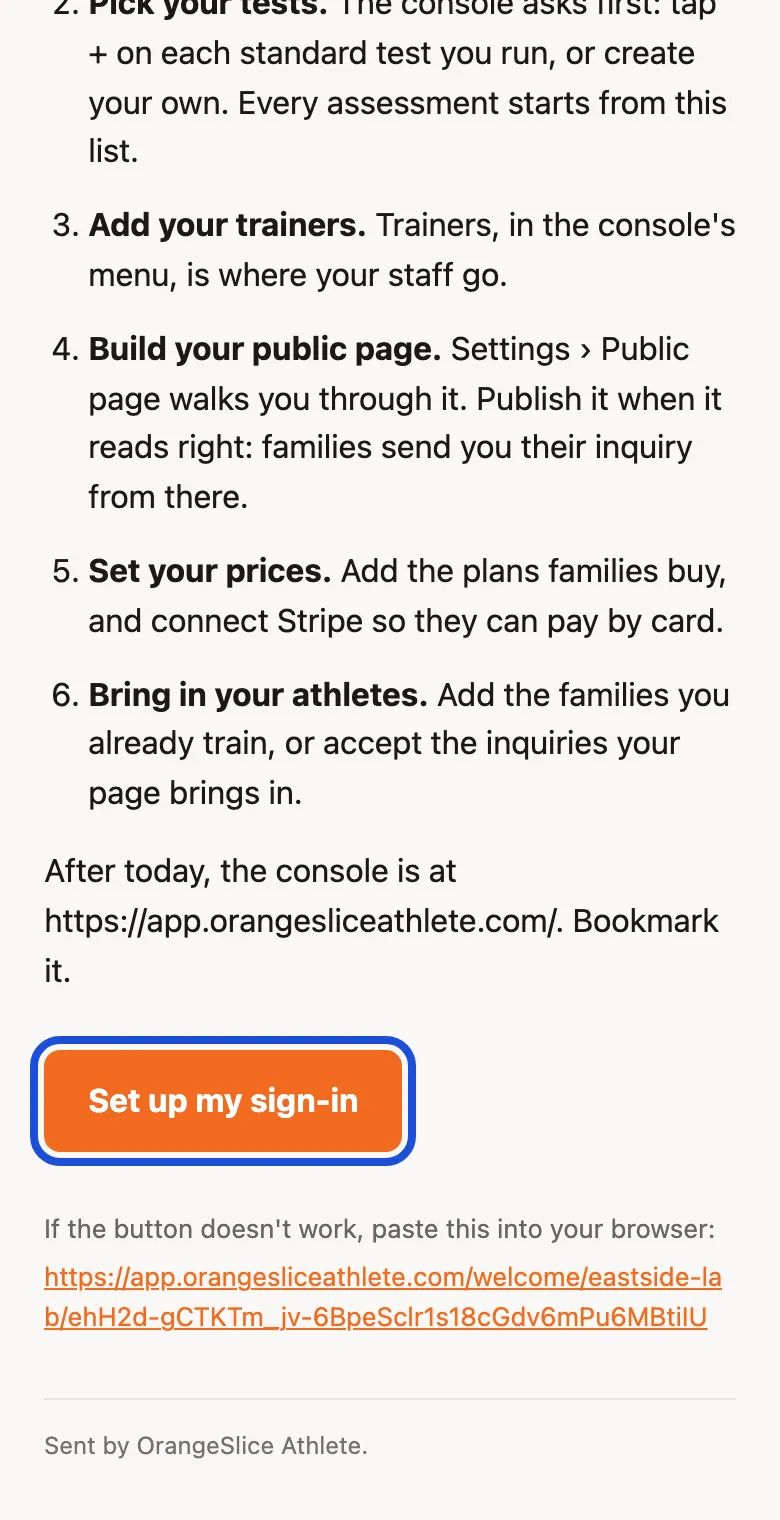
Open the email called Welcome to OrangeSlice Athlete and tap Set up my sign-in
The text message has the same link. Use either one.
Type the username you want. Wait for the green line that says it is available.
If it says the username is taken, try another.
Type a password of at least 8 characters, then tap Set up and sign in