Solo trainer · Step 3 of 12
Set the basics
Your timezone, how we reach you, and the place you train.
About 5 minutes
Three small things to set once. The first one matters most: every new account starts on Chicago time, and your session times depend on it.
Set your timezone
Tap Settings in the bar at the bottom.
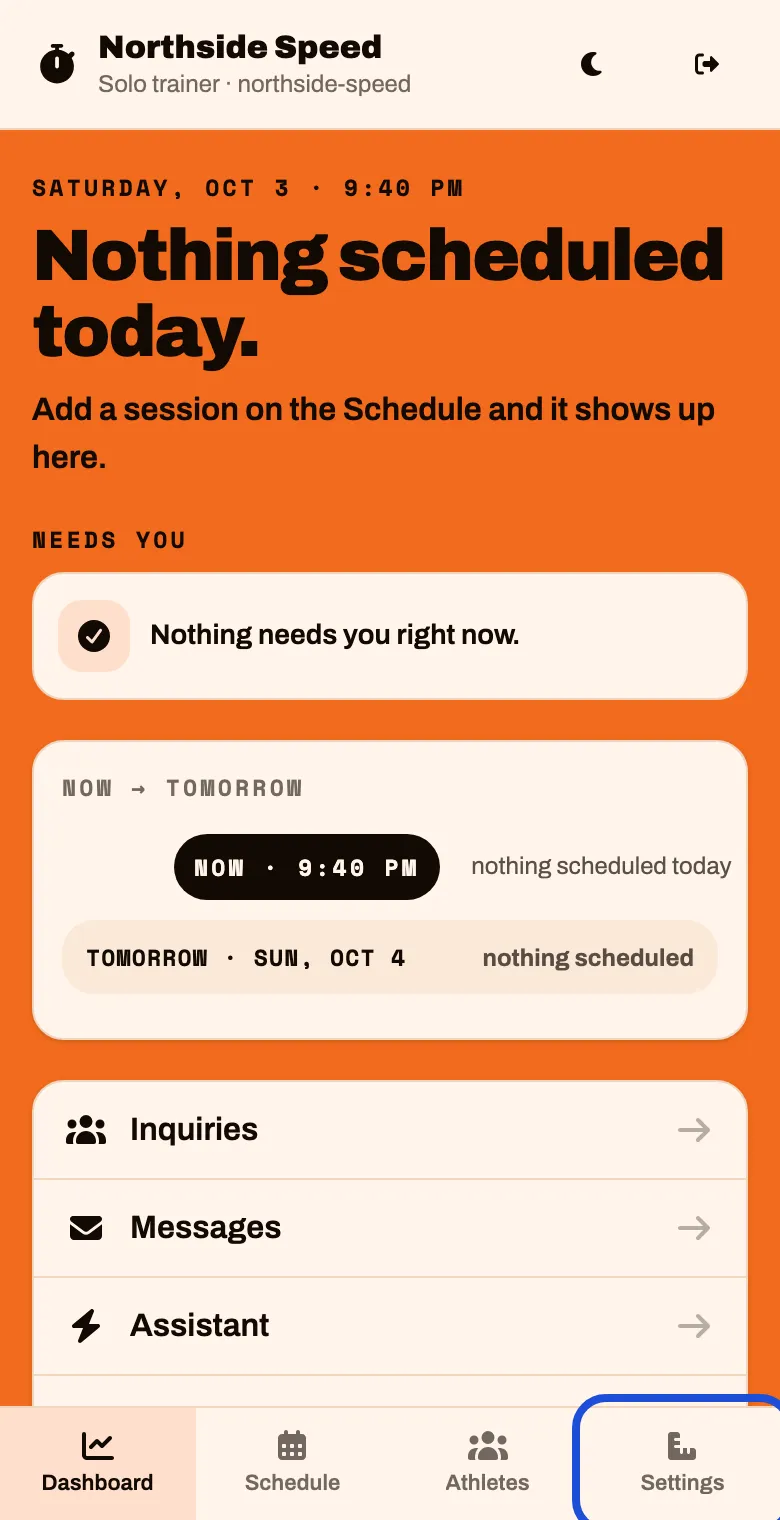
Tap Credits & time
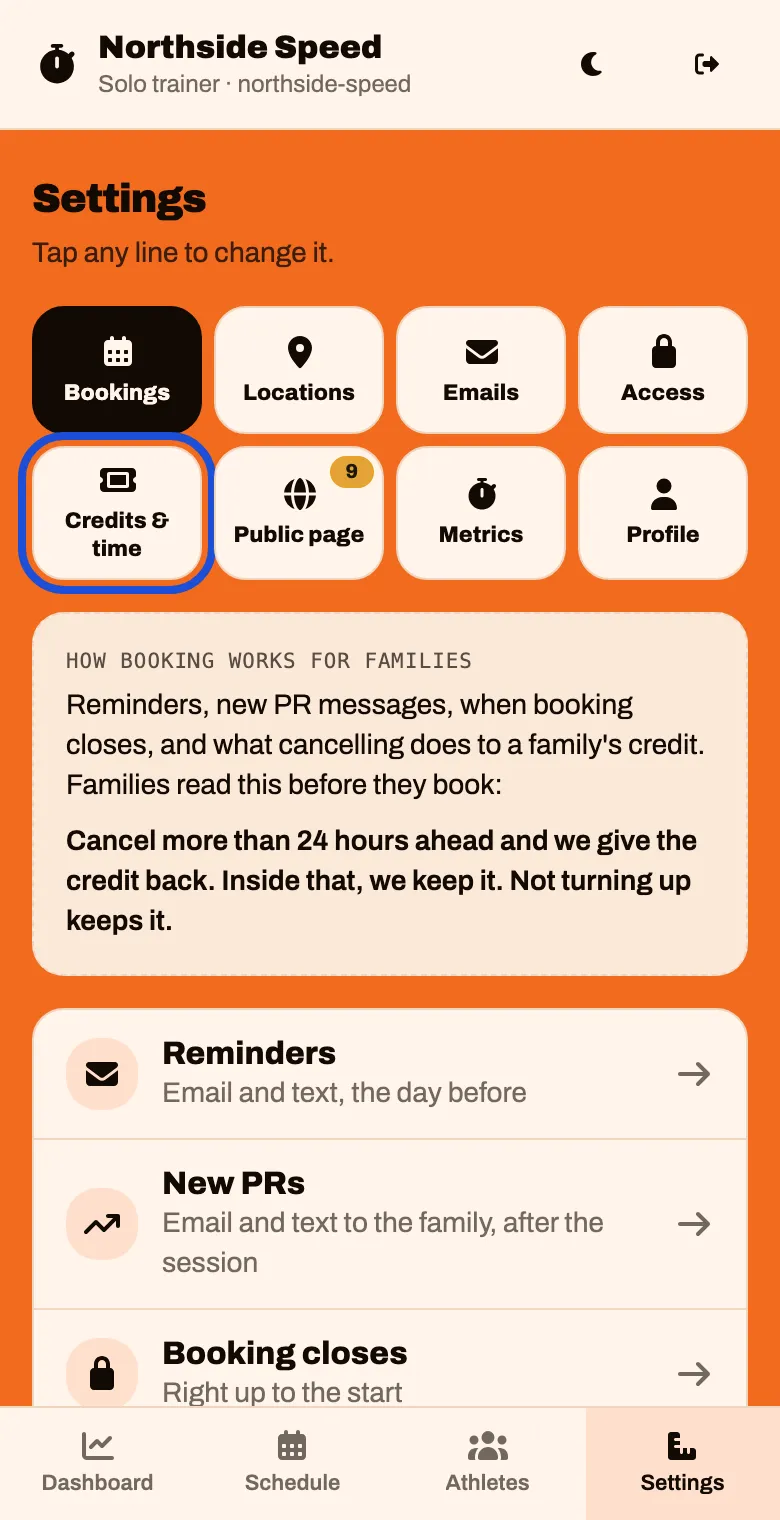
Tap Timezone
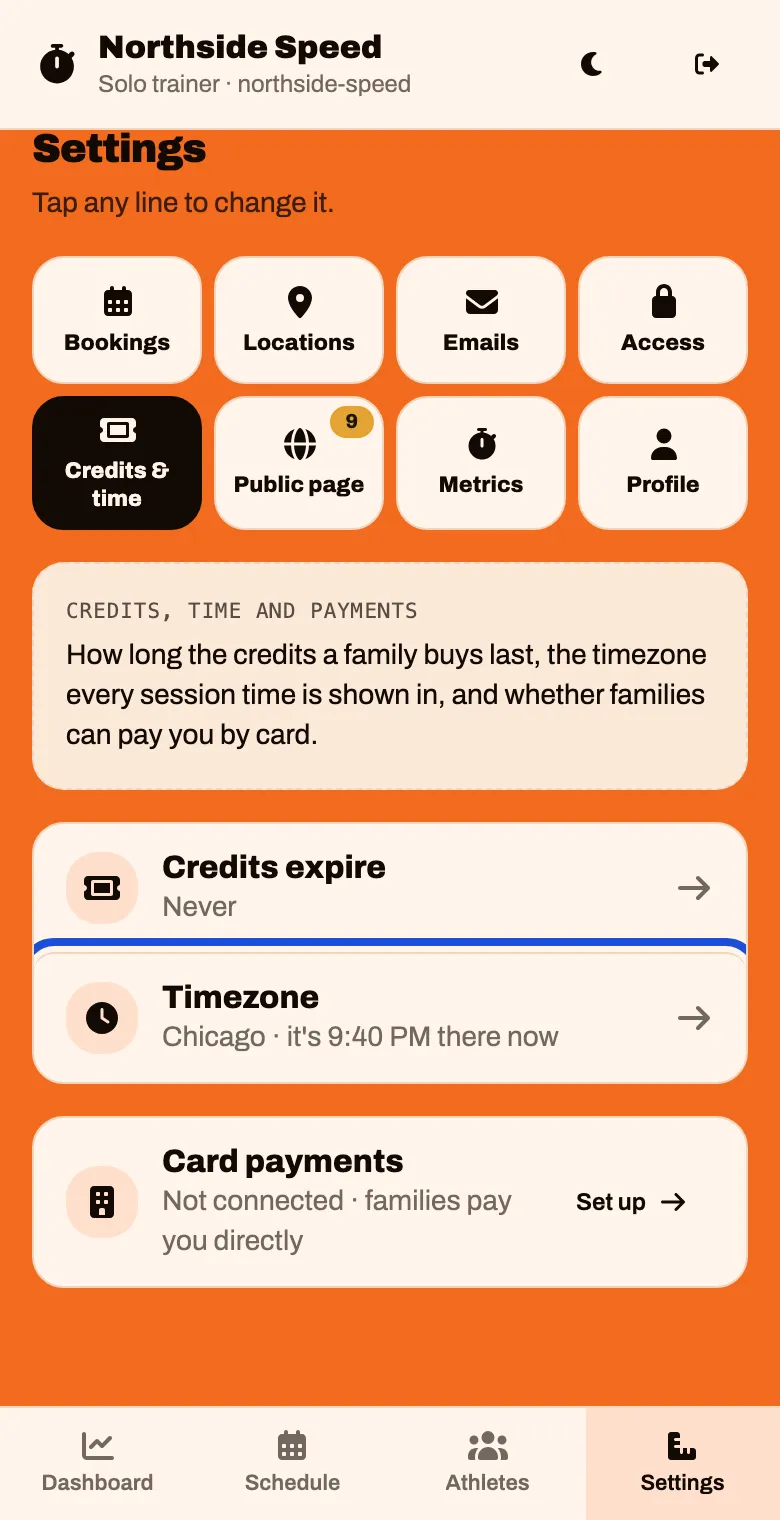
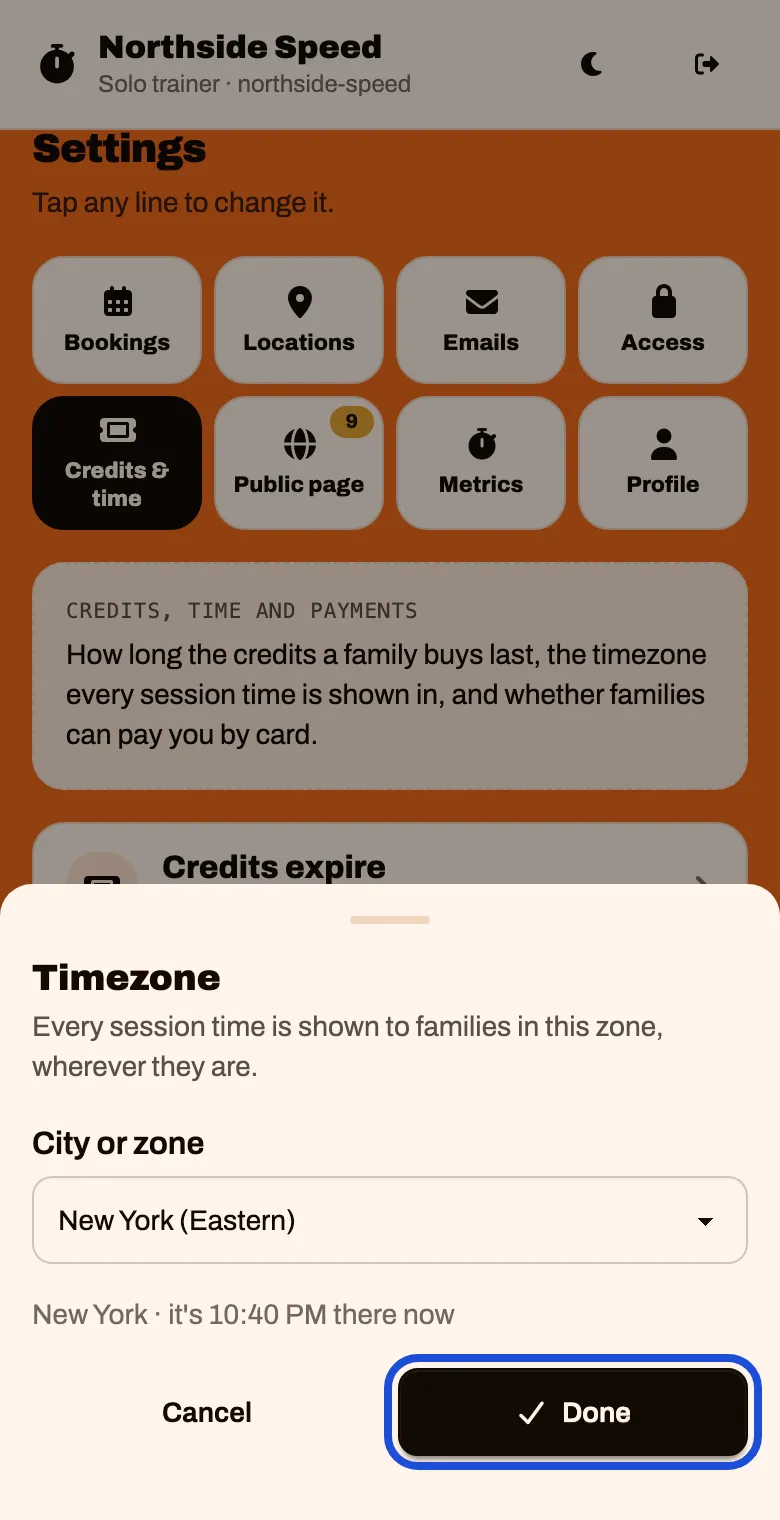
Choose your zone under City or zone, then tap Done
The line under it shows the time there right now, so you can check it against your phone.
Check how we reach you
Your morning email and sign-in links go to the email and mobile number here.
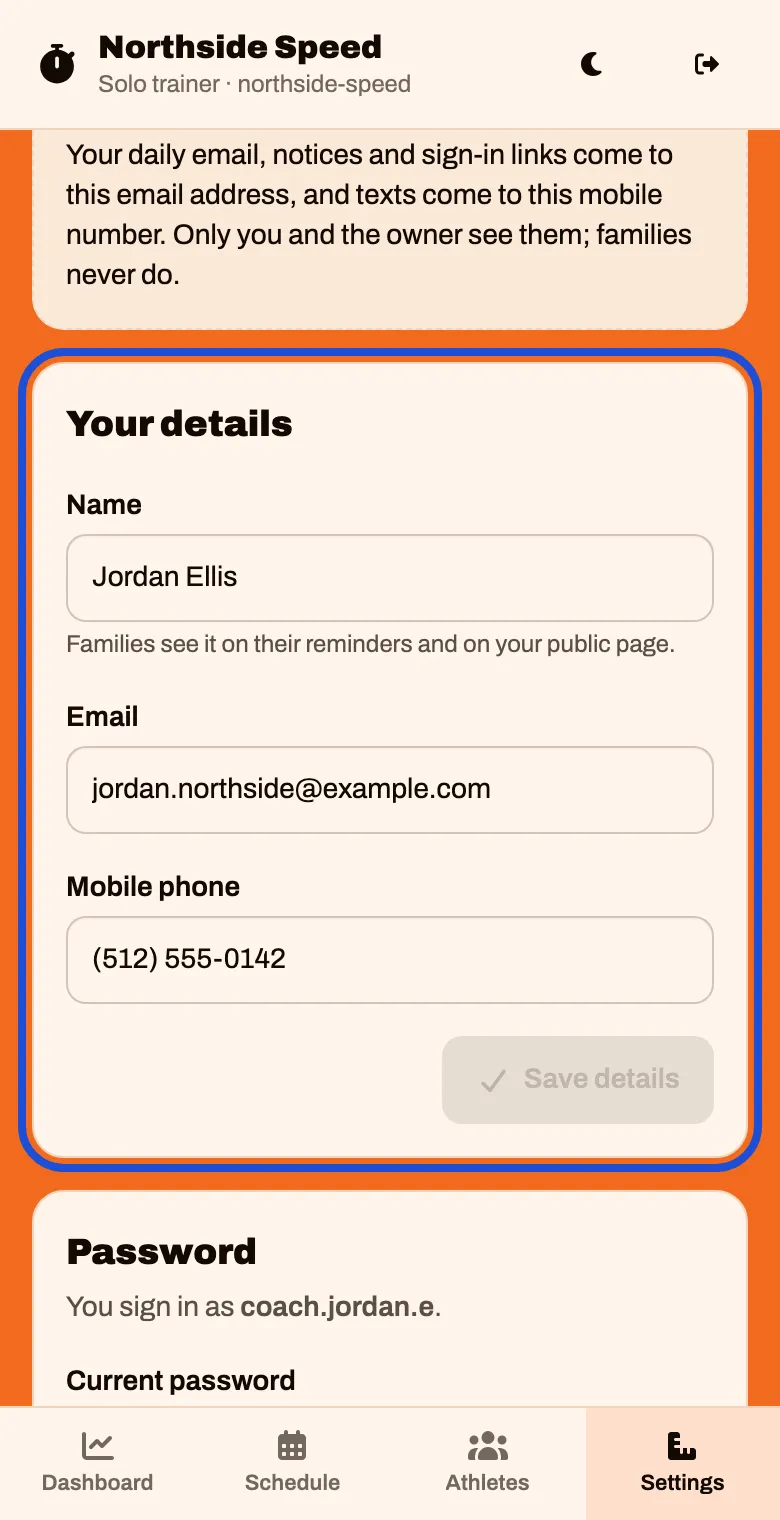
In Settings, tap Profile. Check your Name, Email and Mobile phone. If you change anything, tap Save details
Families see your name on their reminders and on your public page.
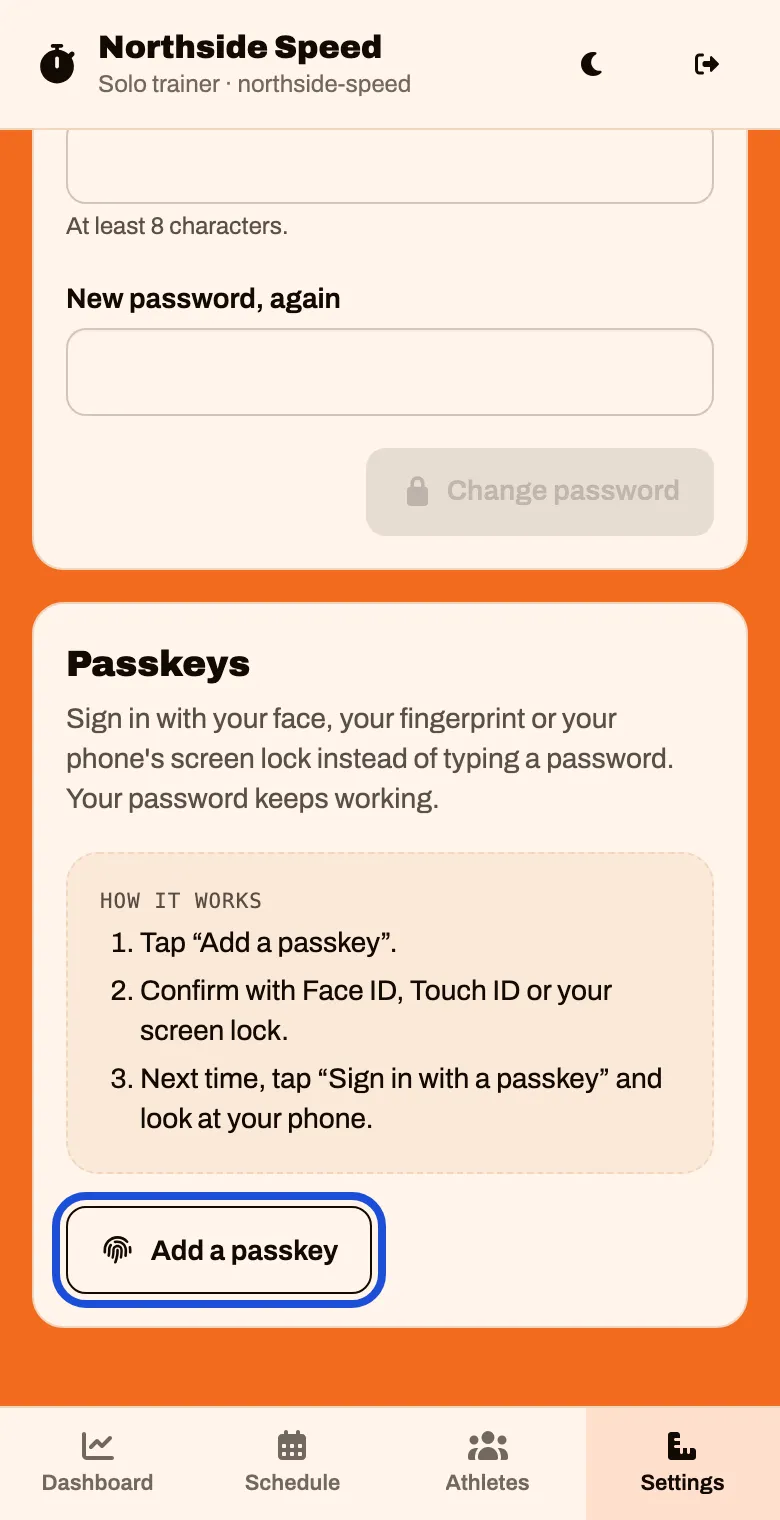
Scroll down to Passkeys and tap Add a passkey. Confirm with Face ID, Touch ID or your screen lock.
Next time you can tap Sign in with a passkey instead of typing your password.
Name the place you train
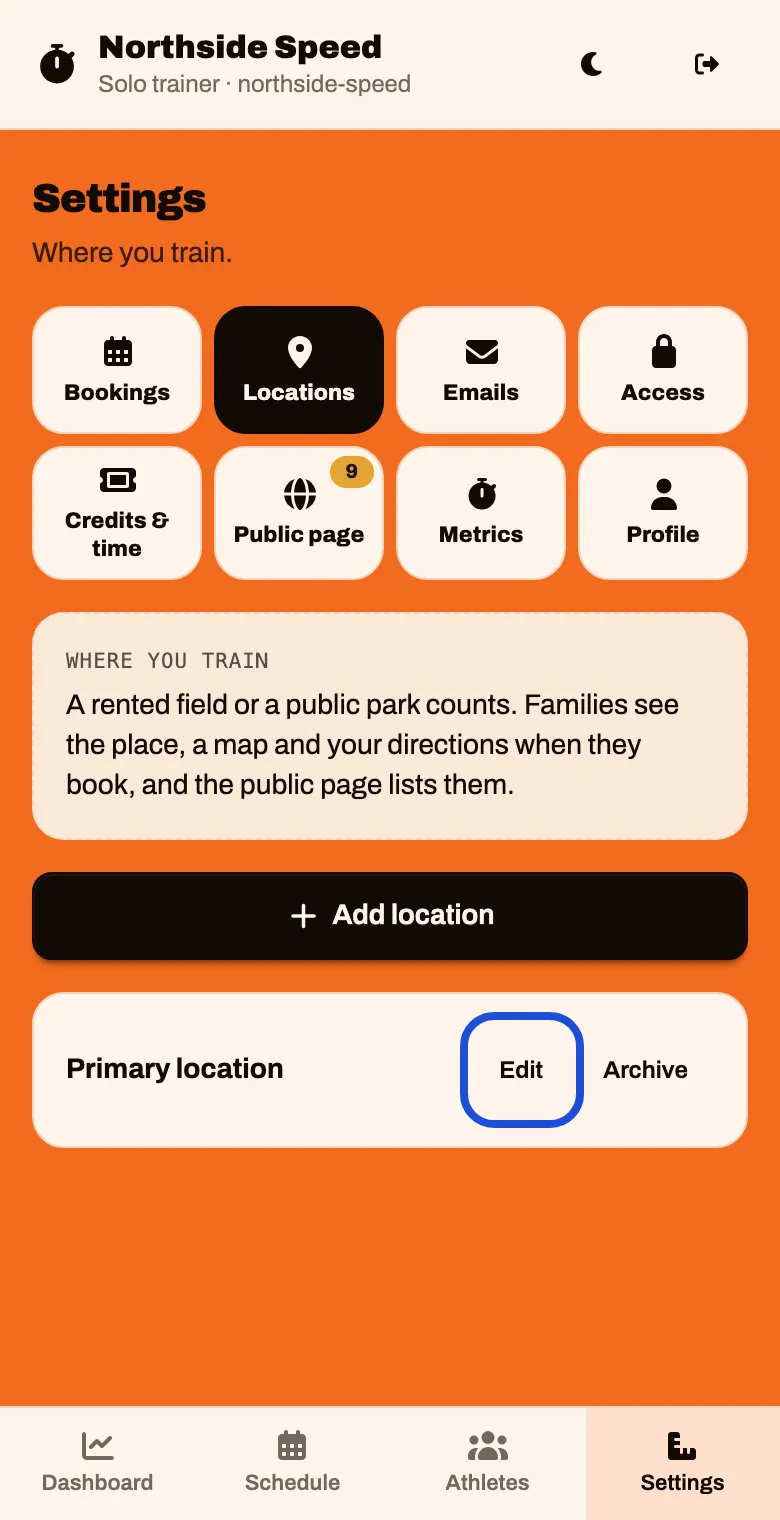
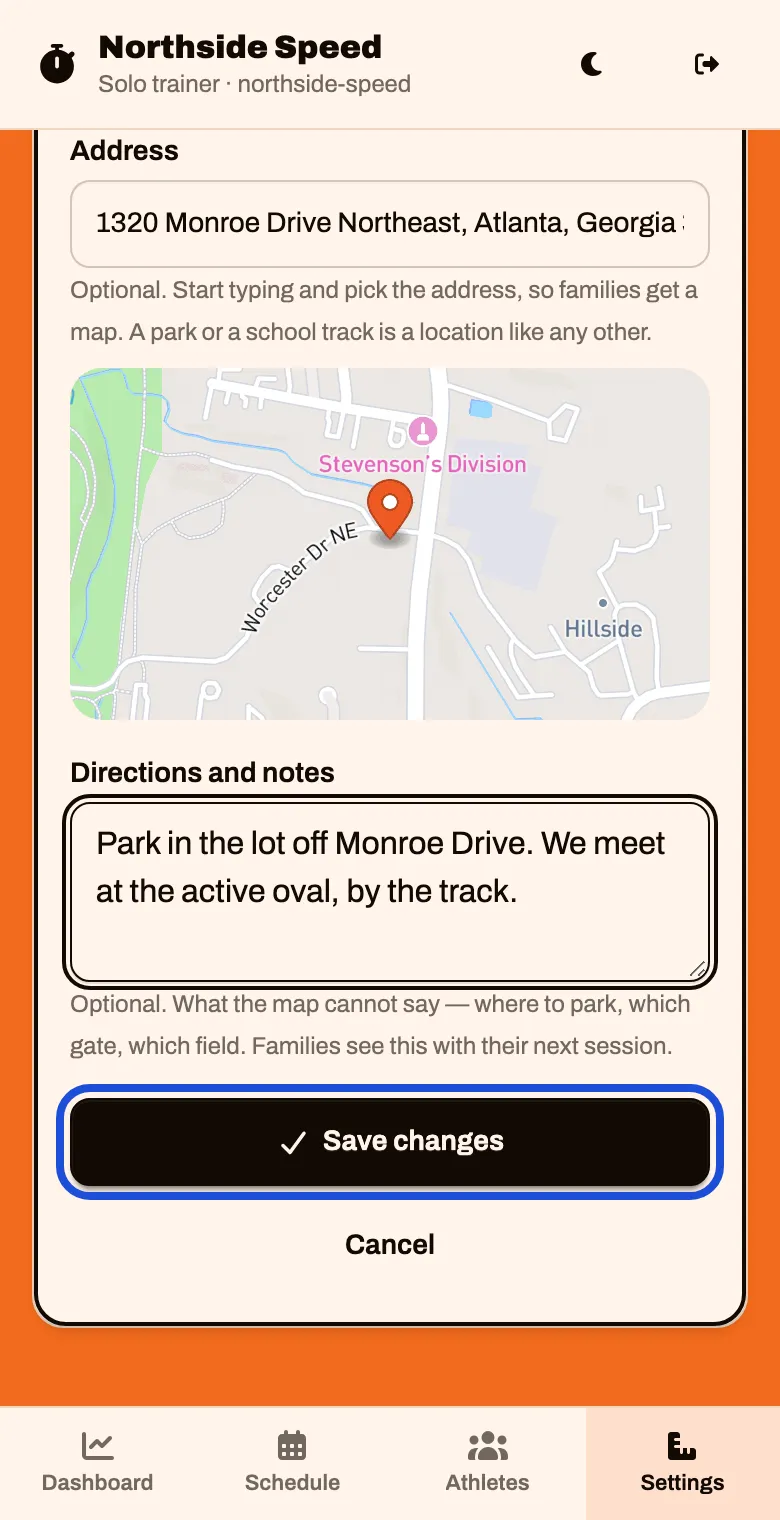
Your account starts with one place called Primary location. Families see its name, a map and your directions when they book.
In Settings, tap Locations, then tap Edit beside Primary location.
Type the real Name. Then start typing the Address and tap the right one in the list that appears.
Picking from the list is what gives families a map. A park or a school track works like any other place.
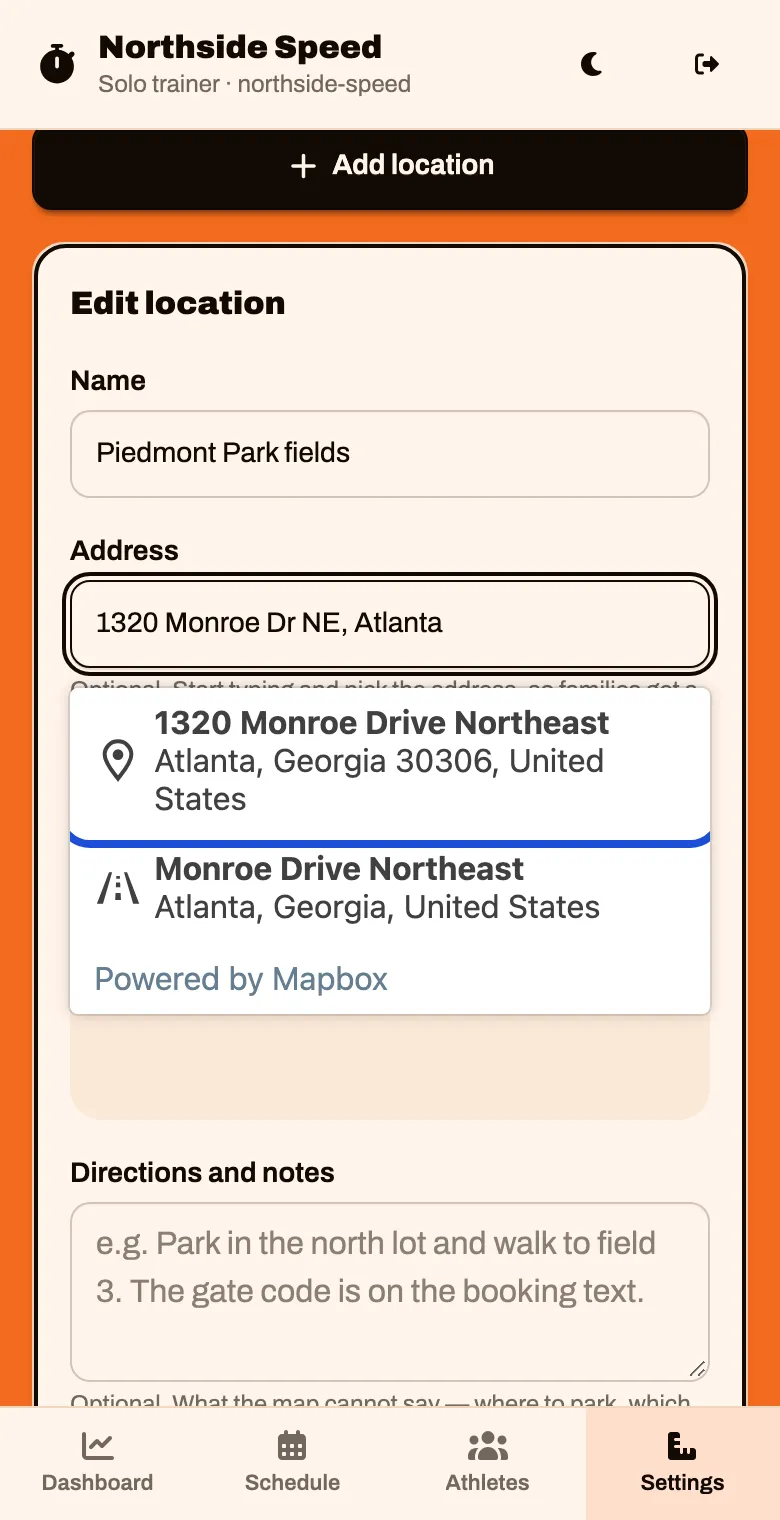
Under Directions and notes, say what a map cannot: where to park, which gate, which field. Tap Save changes
Train in more than one place? Tap Add location for each.