What families see
The path a new family takes, from your public page to their first booked assessment.
A family never installs an app. Everything reaches them by email and text, and opens in their phone’s browser.
They find your page and tap the button.
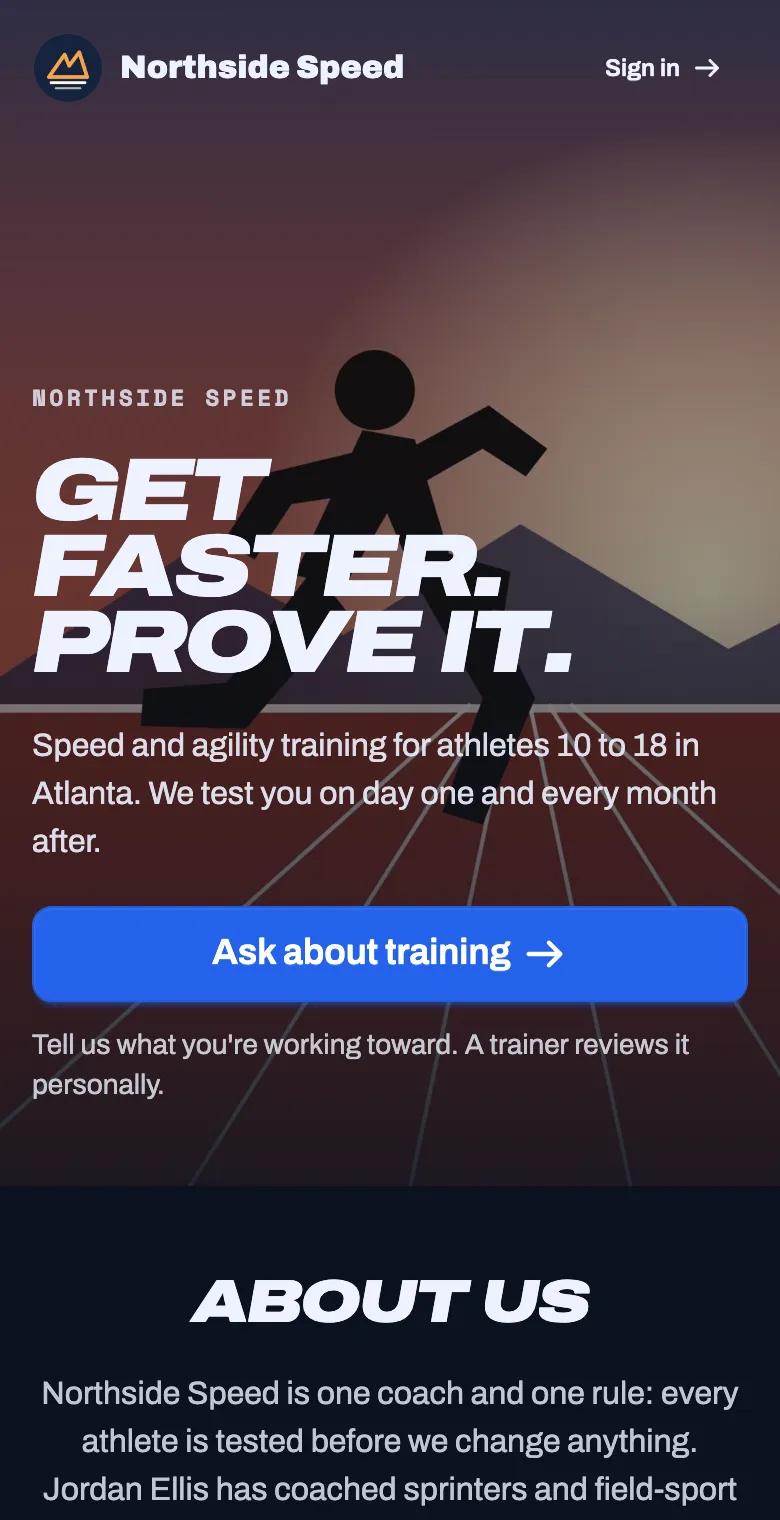
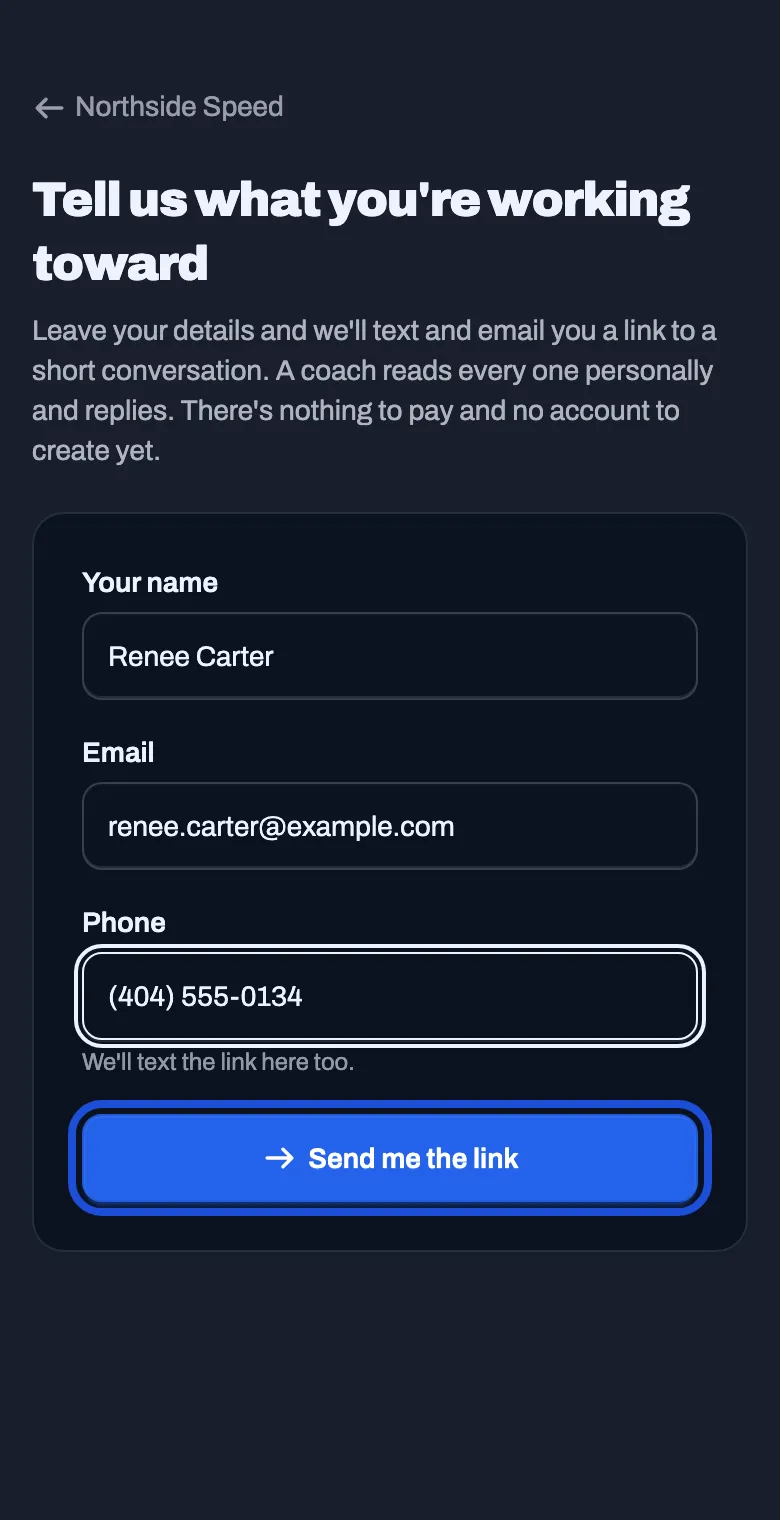
They leave a name, an email and a phone number. Nothing to pay and no account to create.
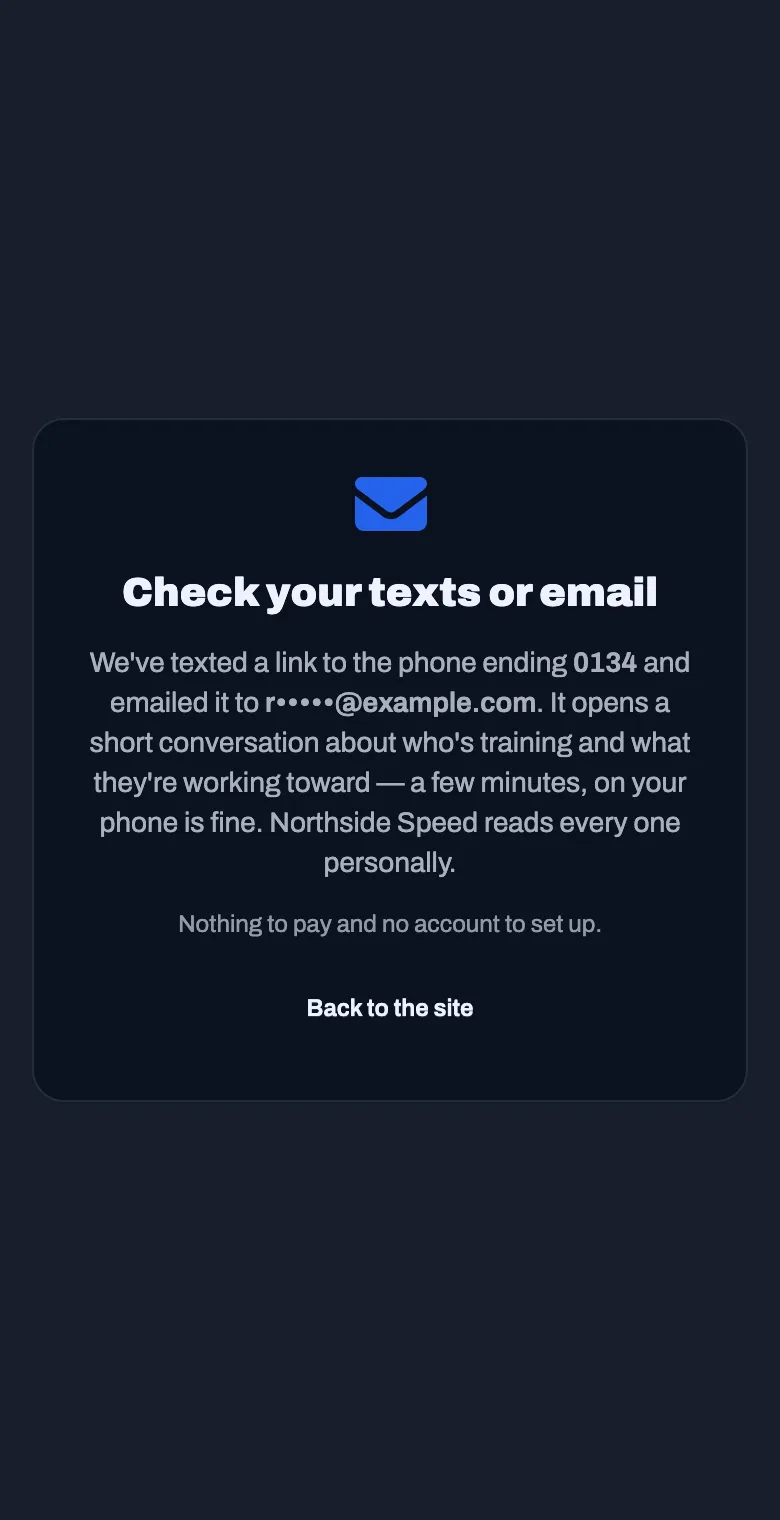
They are sent a link, by email and by text. It is good for 7 days.
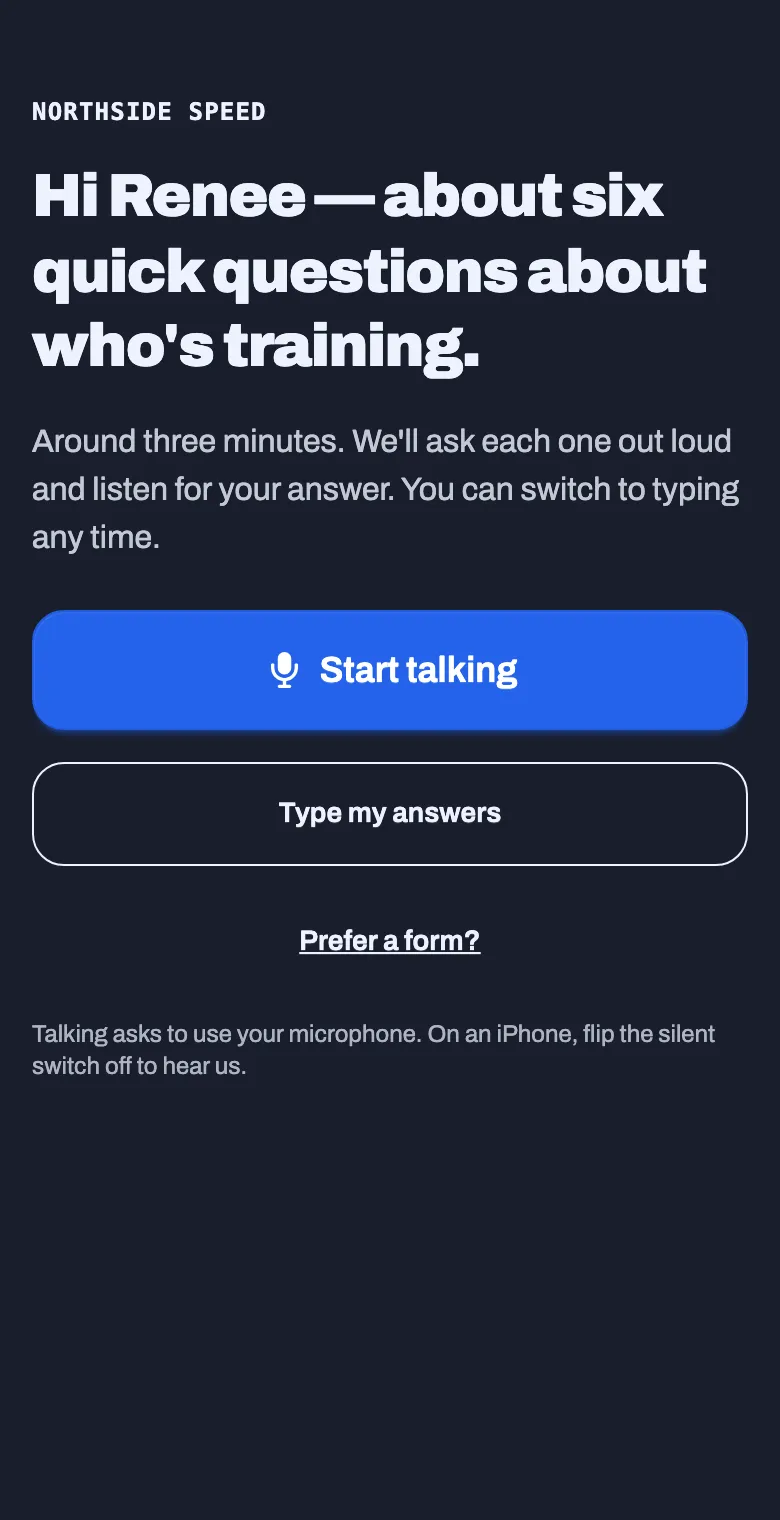
They answer a few questions: who is training, their age, their sport, what they want to work on, and any questions you added. They can talk, type, or fill in a form.
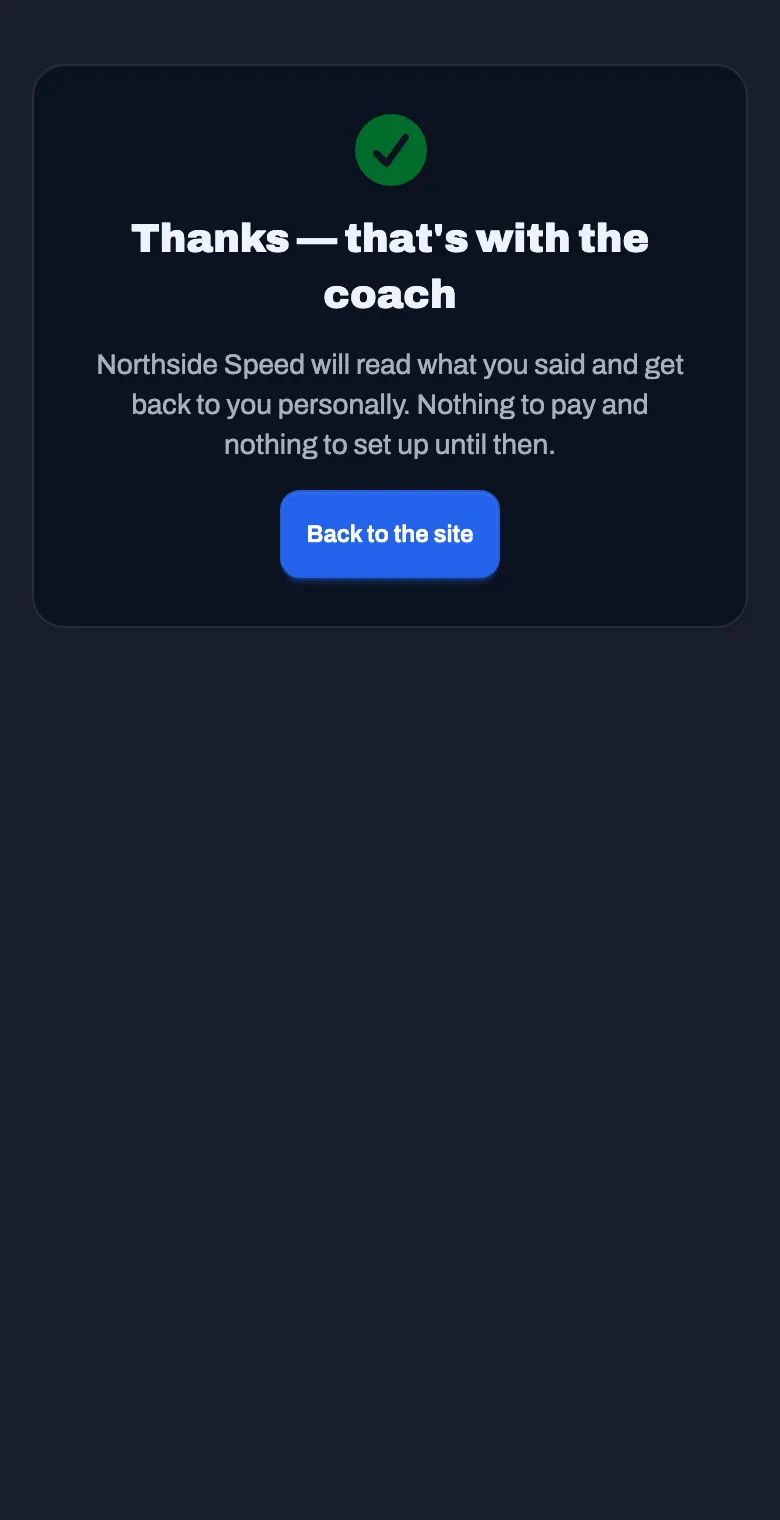
They are told it is with you. You get an email, and a tile on your Dashboard.
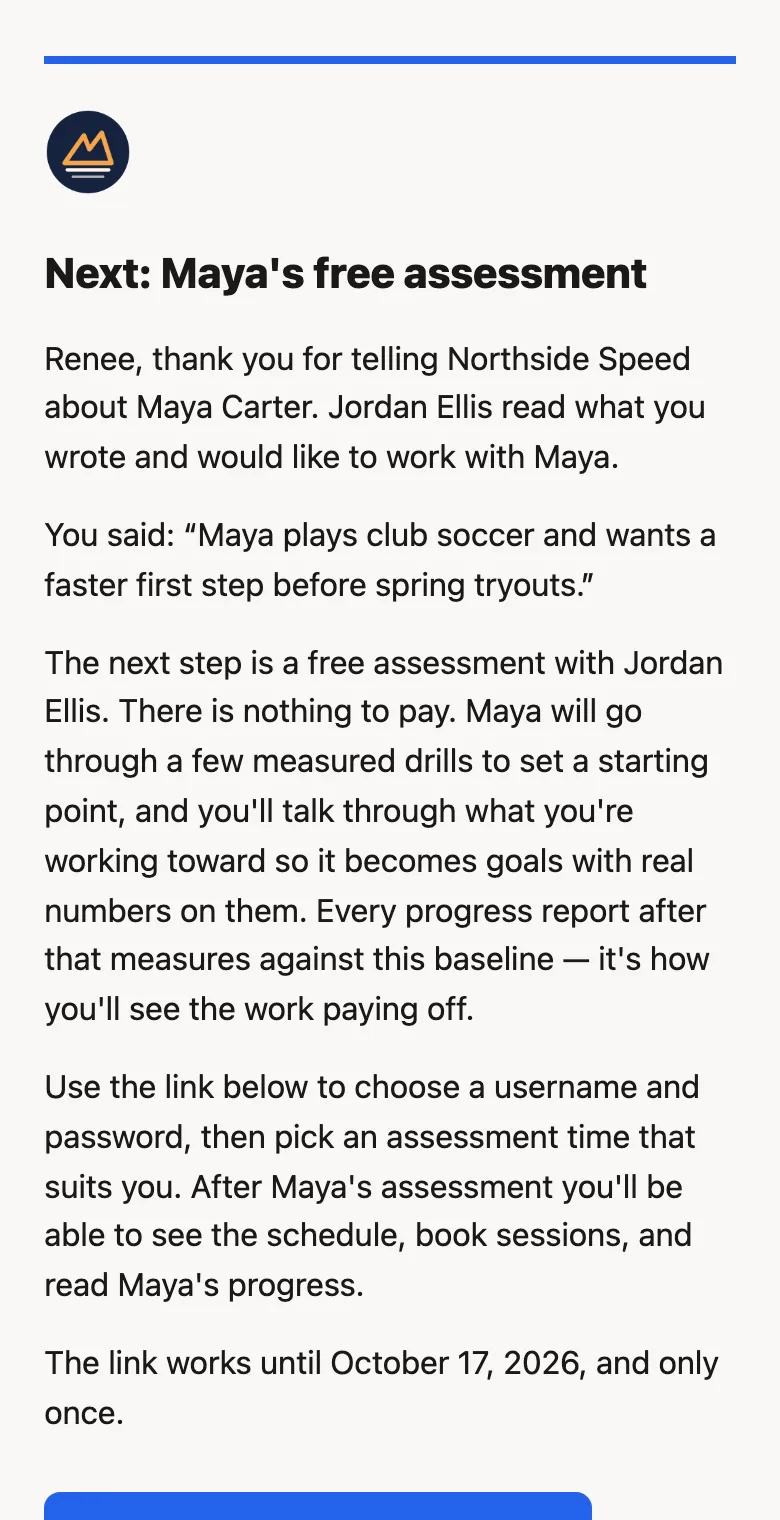
You accept, and they get an invitation. It quotes what they wrote and asks them to book their assessment. The link works once, for 14 days.
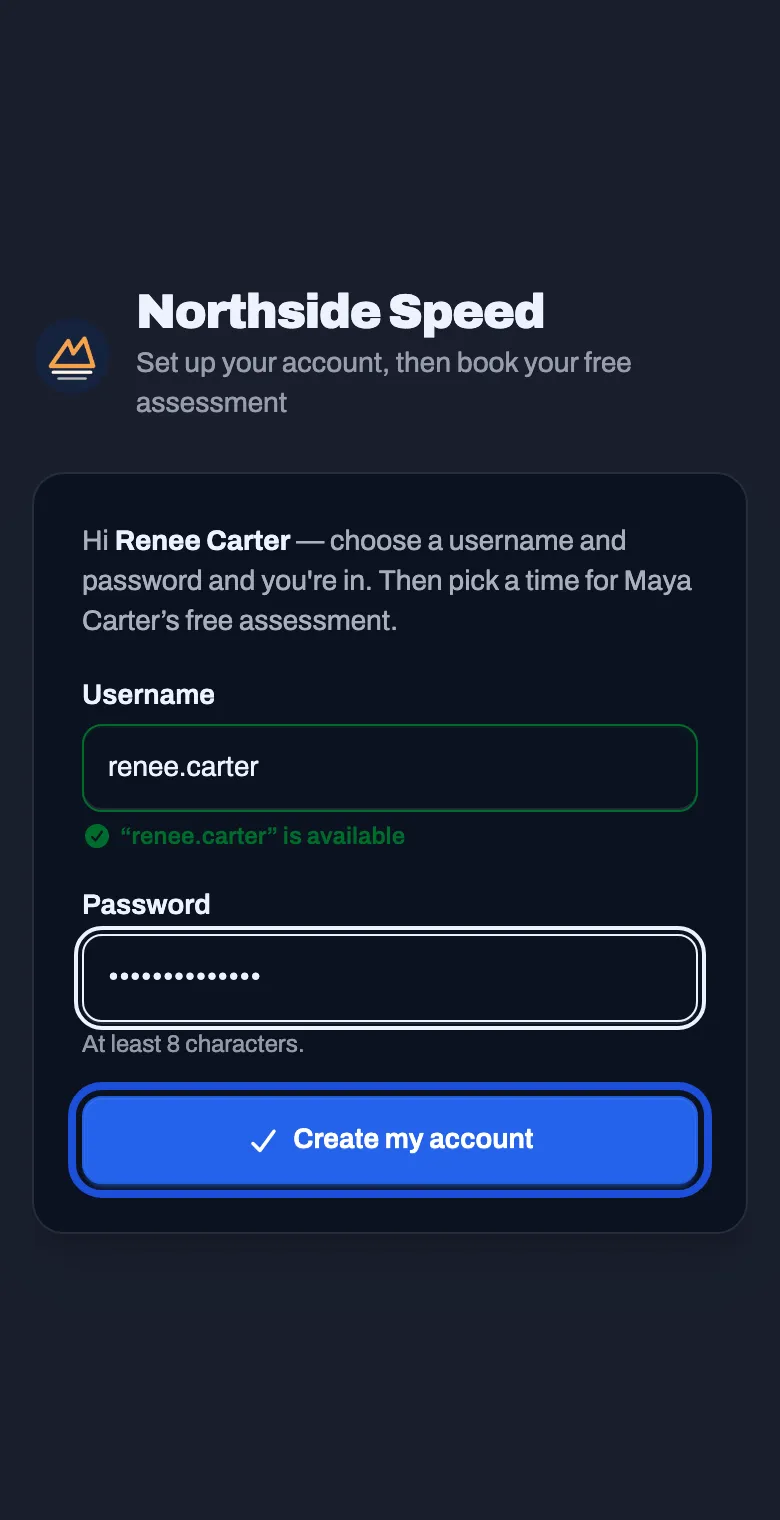
They choose a username and password.
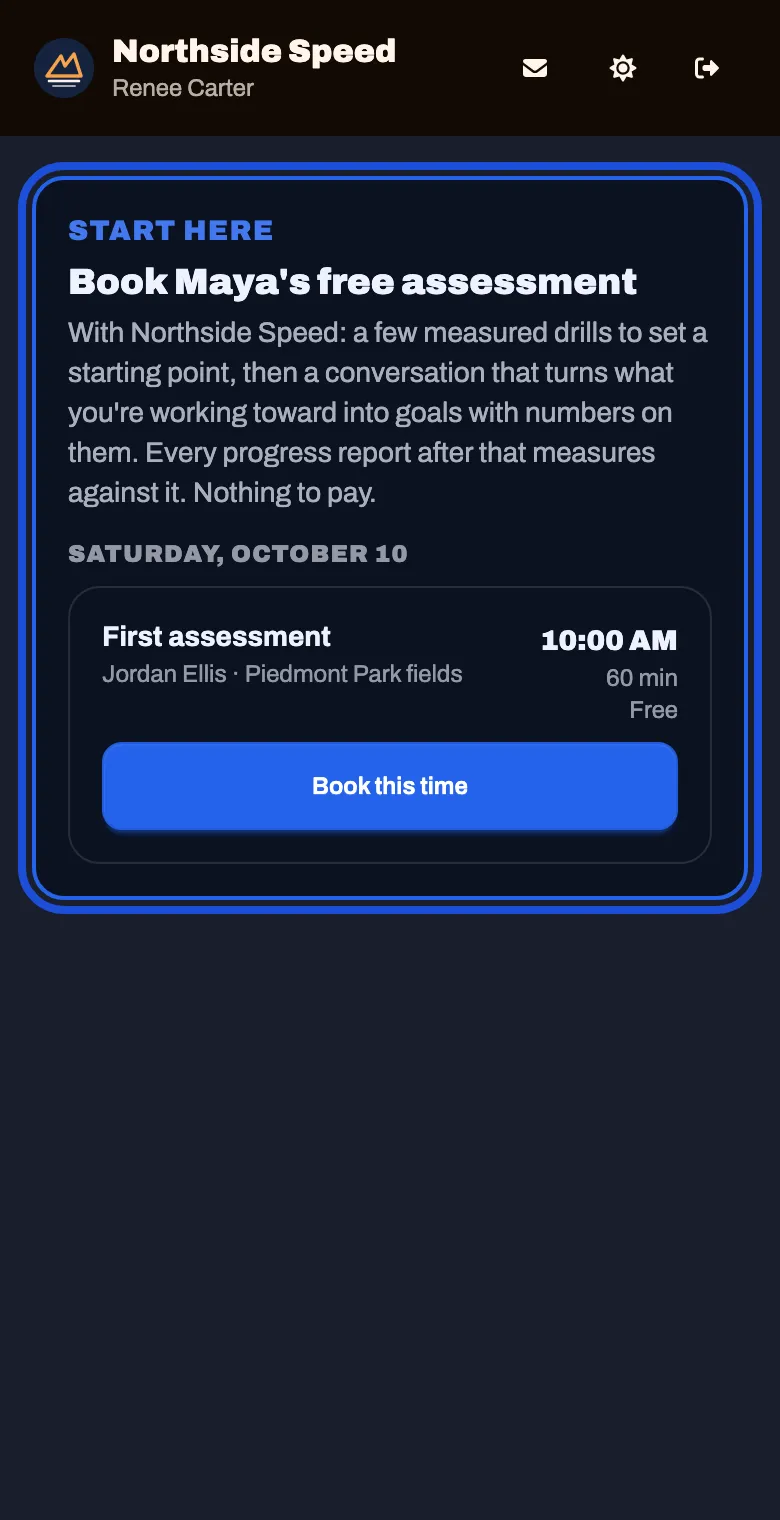
They book the assessment. It is the only thing on their screen until they do.
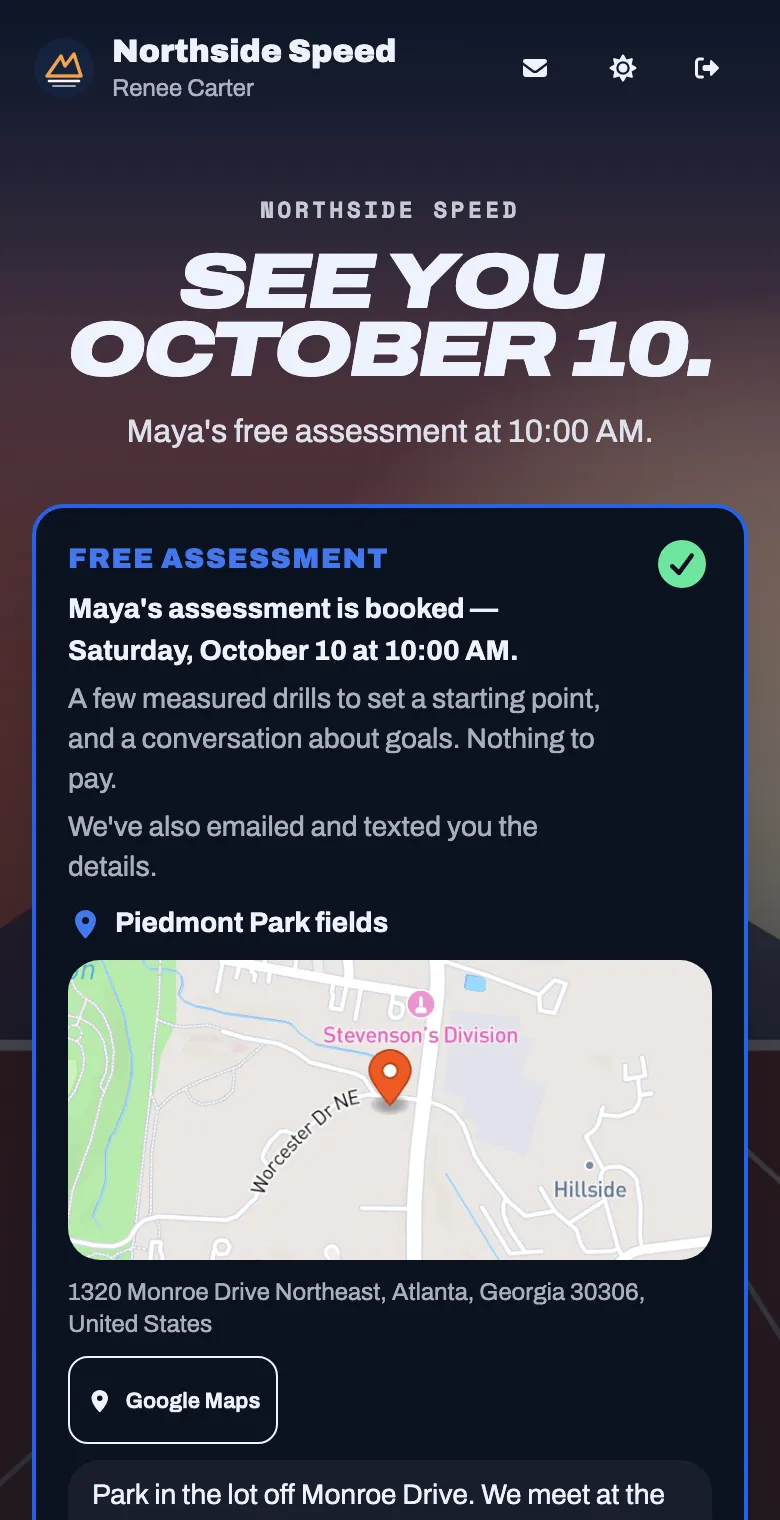
They see when and where, with a map and your directions. A reminder goes out before the session.
After the assessment
Section titled “After the assessment”Once the assessment is done, the family can see your schedule, book sessions, buy a plan, and read their athlete’s results and progress.
Families you add yourself
Section titled “Families you add yourself”A family you add with the code or by sending the interview skips the waiting: they are on your roster as soon as they finish the questions. See Bring in your athletes.