Solo trainer · Step 6 of 12
Set your booking rules
Reminders, when booking closes, and what cancelling does to a credit.
About 5 minutes
These are the rules families read before they book: reminders, when booking closes, and what happens to a credit when they cancel. Every one has a sensible setting already. Read them once and change what does not fit.
Tap Settings, then Bookings
The box at the top shows the sentence families read, in your current settings.
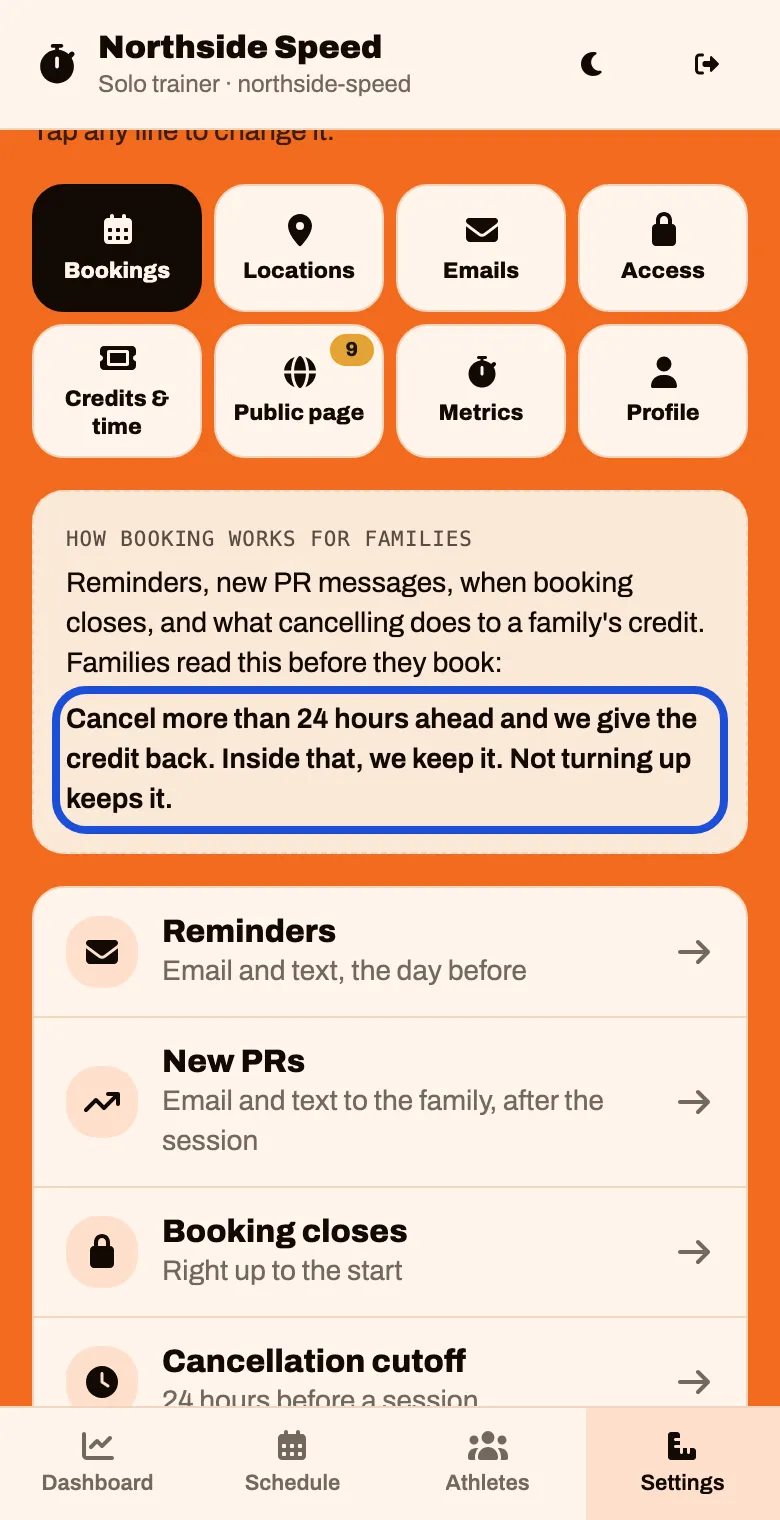
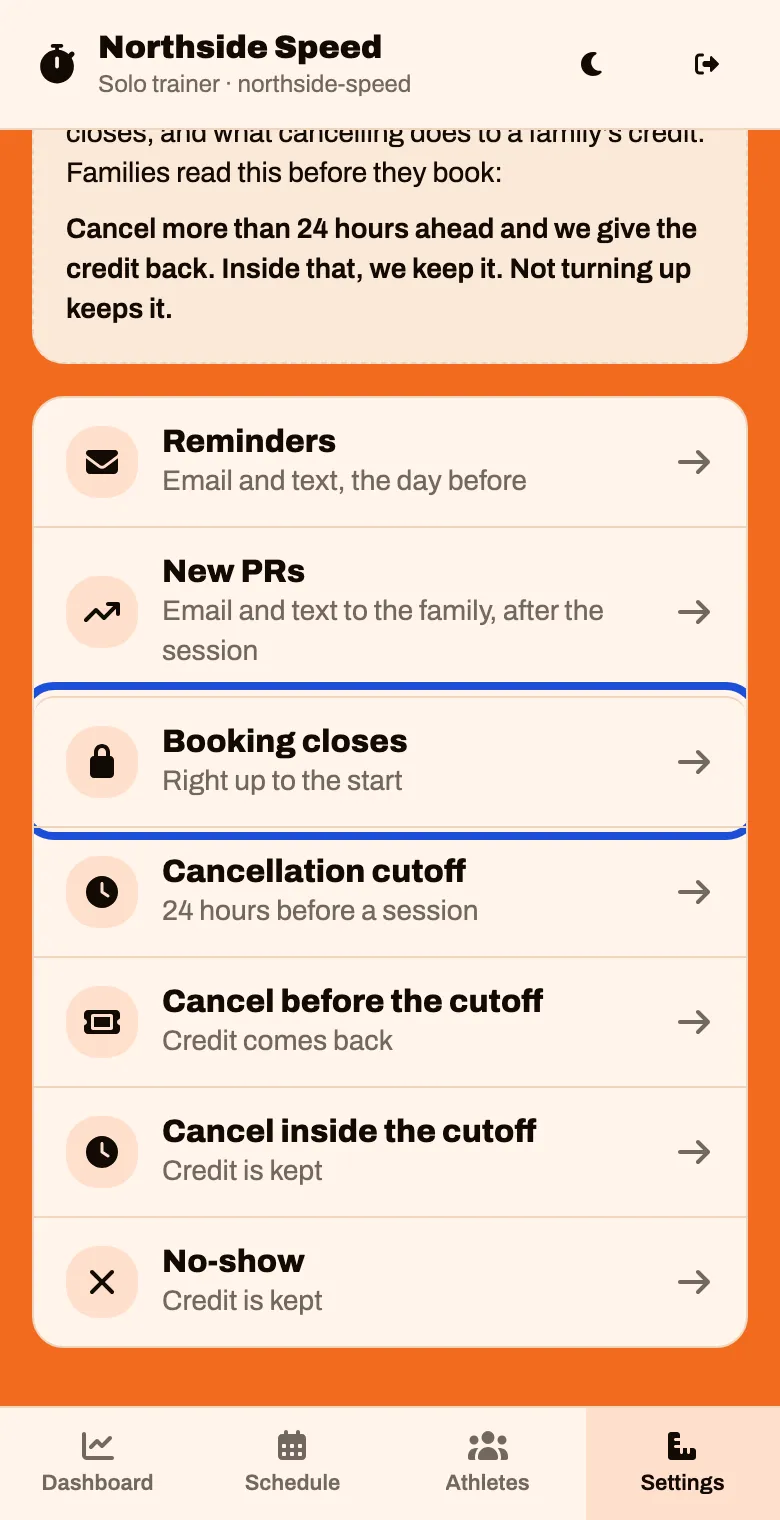
To change a rule, tap its line.
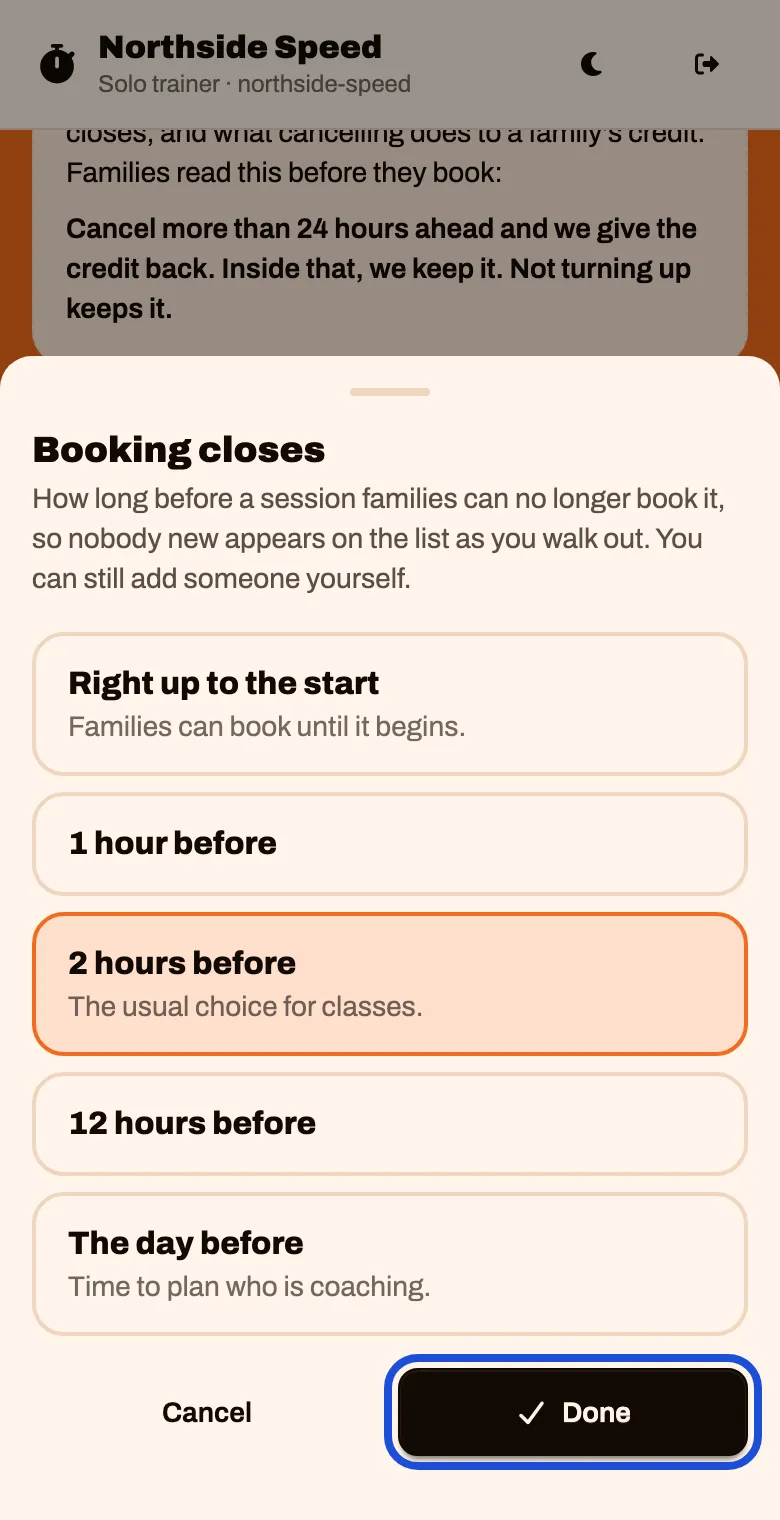
Pick what you want and tap Done
What each rule does
| Rule | It starts as | Worth knowing |
|---|---|---|
| Reminders | The day before | An email and a text to the family before each session |
| New PRs | On | The family gets a message after a session where their athlete set a personal best |
| Booking closes | Right up to the start | “2 hours before” is the usual choice for classes. You can still add someone yourself |
| Cancellation cutoff | 24 hours | How far ahead a family must cancel to get the credit back |
| Cancel before the cutoff | Credit comes back | |
| Cancel inside the cutoff | Credit is kept | The spot was held for them |
| No-show | Credit is kept |
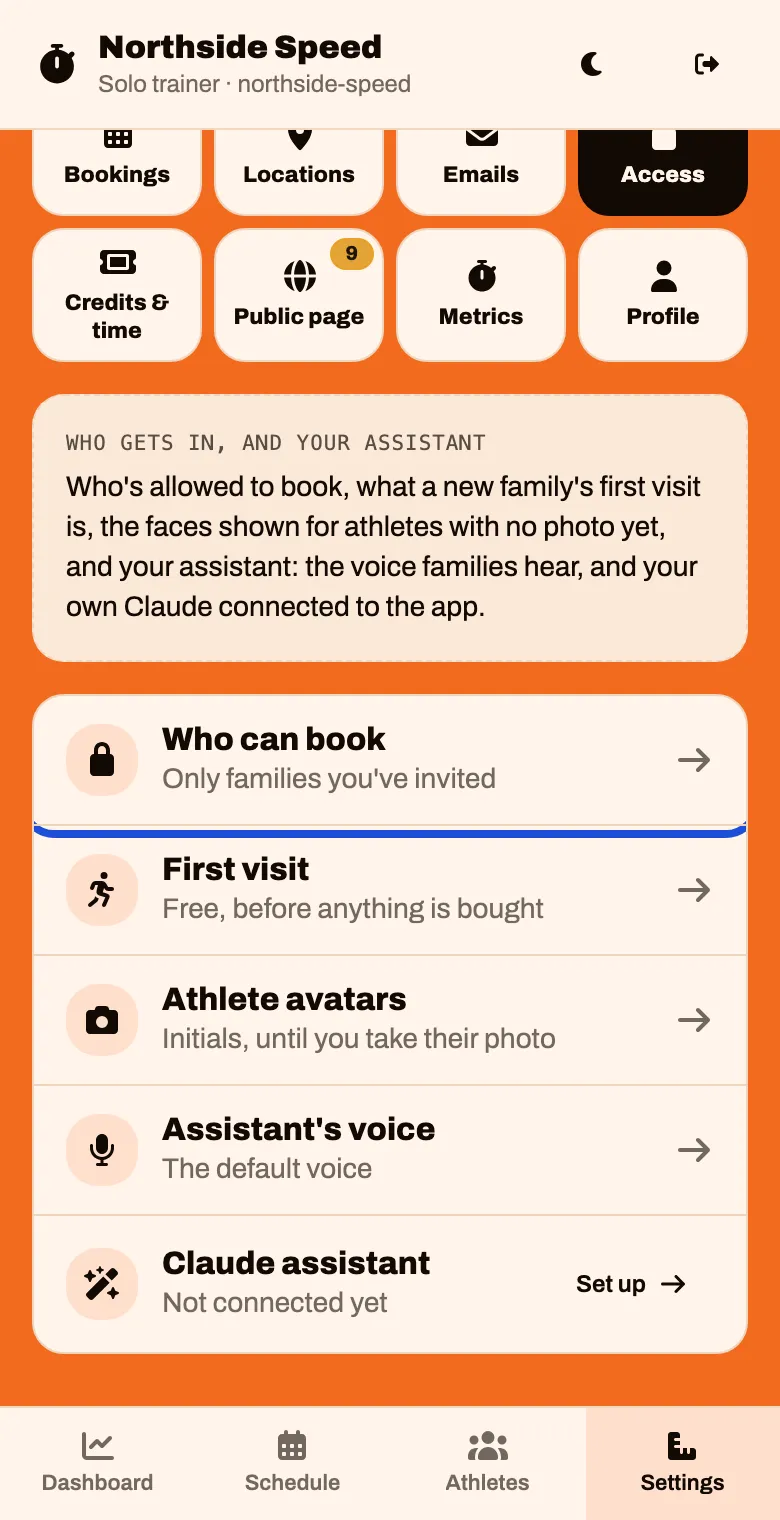
Who can book
In Settings, tap Access and look at Who can book.
Leave it on Only families you’ve invited unless you run open, drop-in classes.