Solo trainer · Step 2 of 12
Pick your tests
Tell OrangeSlice Athlete which tests you run. Every assessment starts from this list.
About 5 minutes
The tests you pick here are your standard set: what every new athlete’s first assessment starts from. Nothing is picked for you.
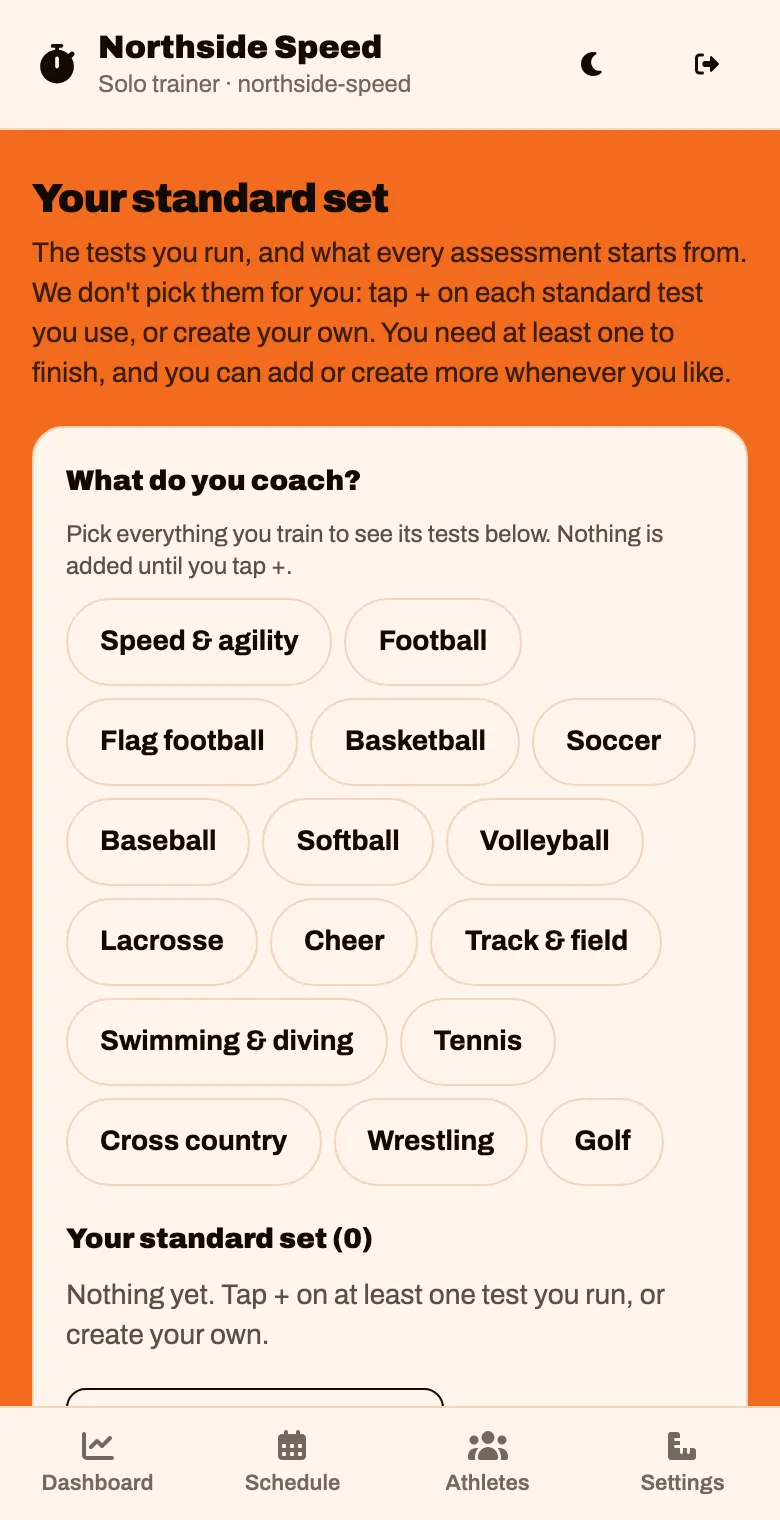
Under What do you coach?, tap each sport you train.
This only shortens the list of tests below. It does not add anything yet.
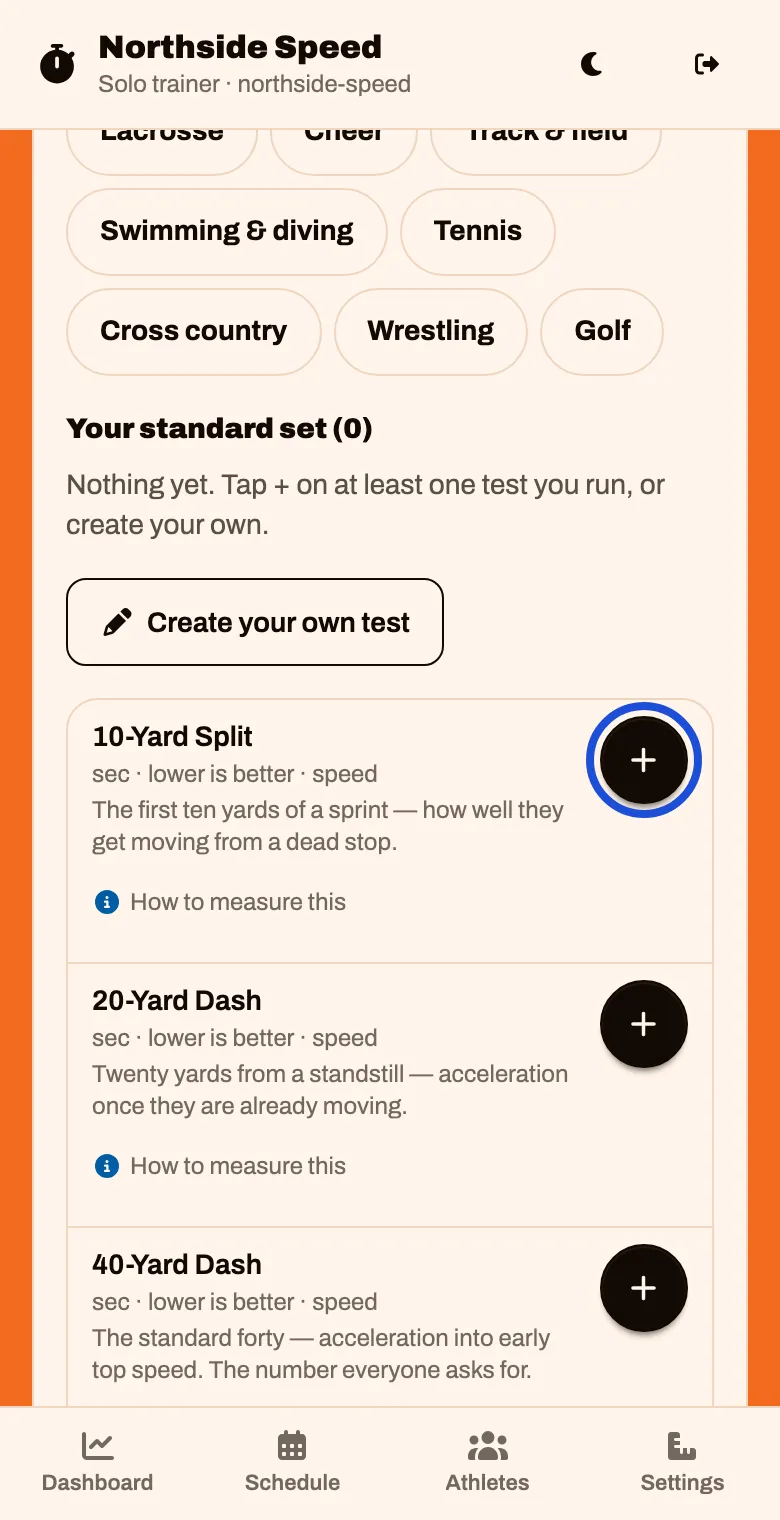
Scroll down to the tests. Tap the round + beside each test you run.
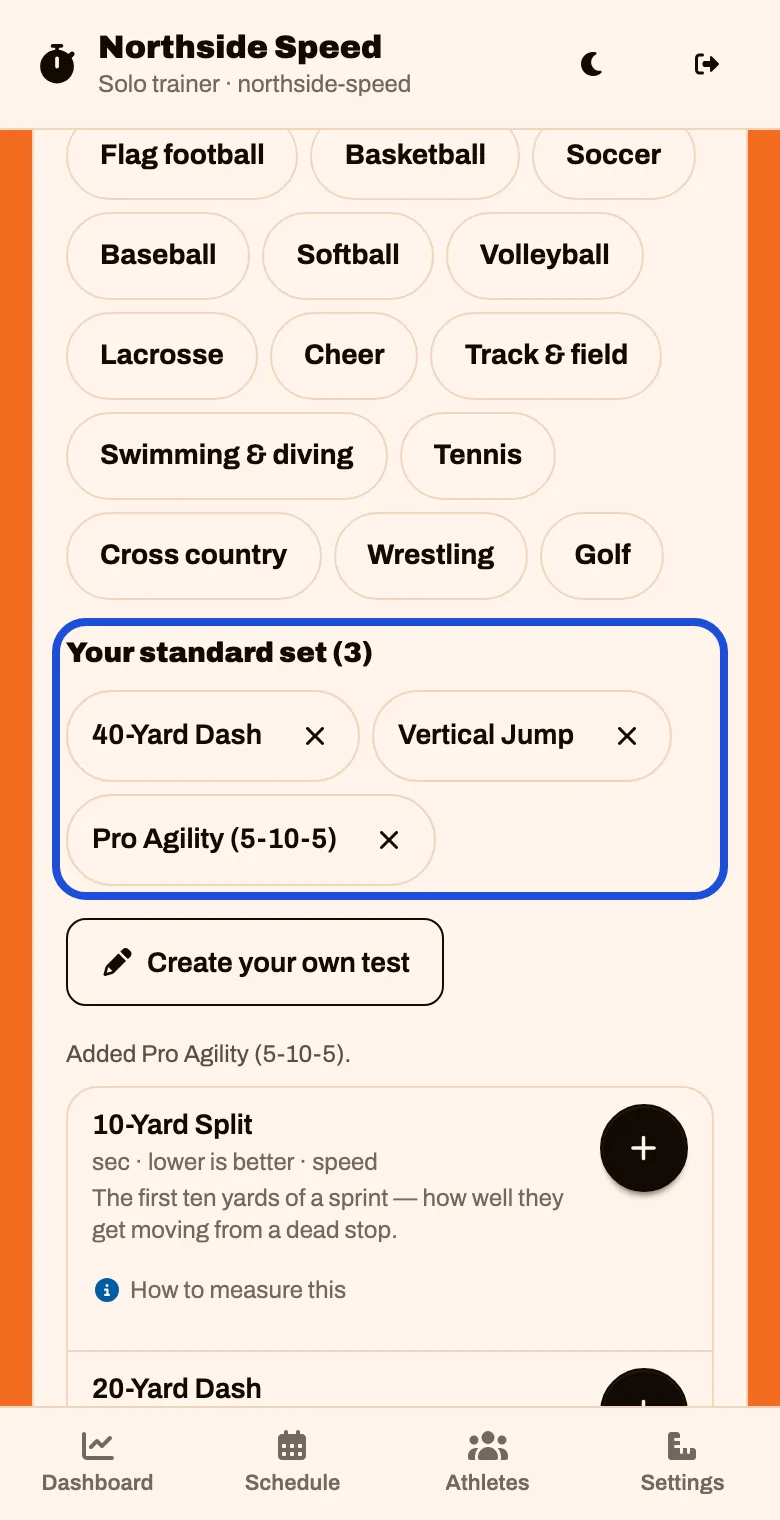
Check them under Your standard set. Tap the × on one to take it off.
Run a test that is not on the list? Tap Create your own test, give it a name, what it is measured in, and whether lower or higher is better. Then tap Add to my set
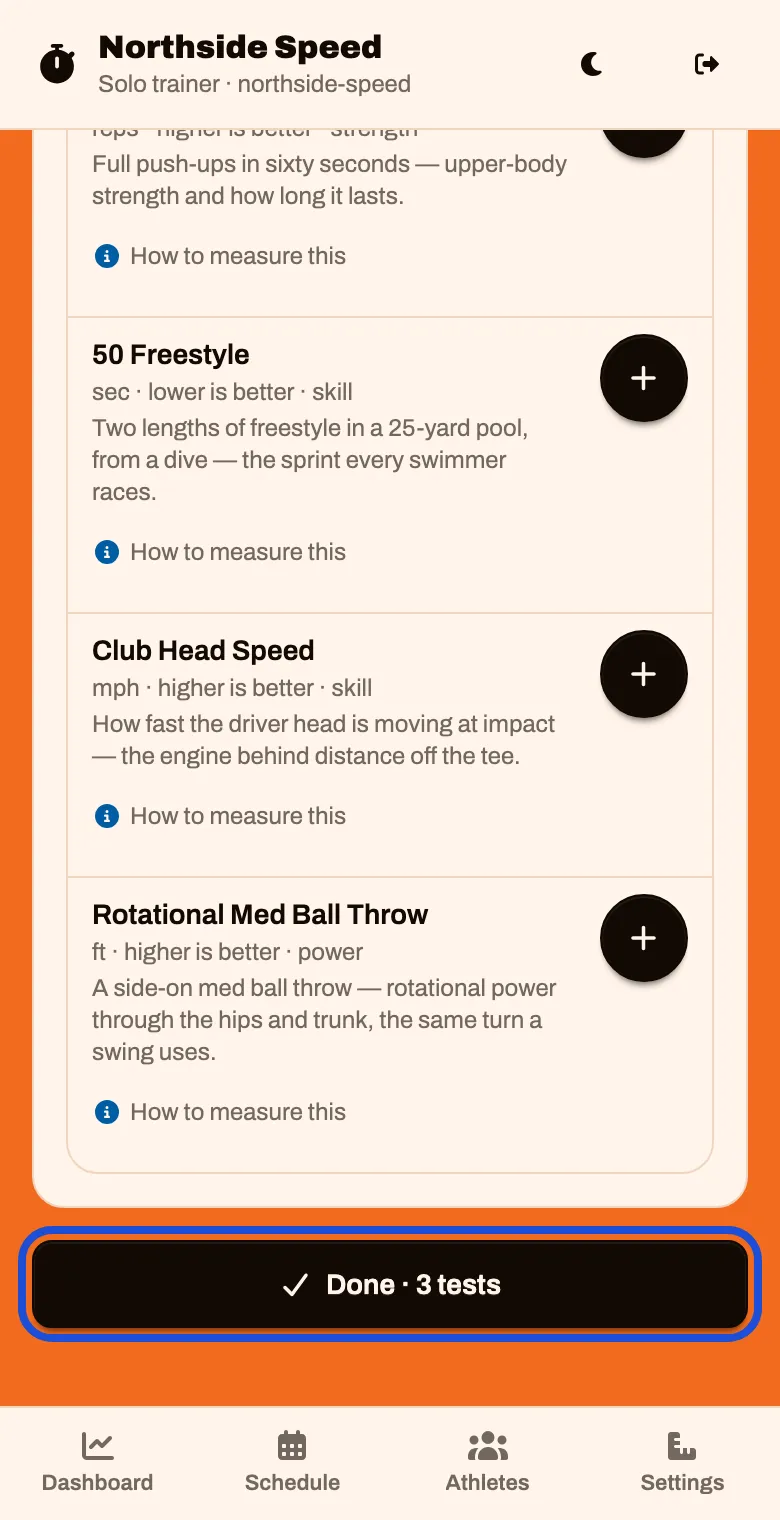
Scroll to the bottom and tap Done
The button counts your tests, like “Done · 3 tests”.